Software for architects in a site supervision role: site walks, punch items, and acceptance in one place

On the site walk, you record punch items by voice and pin them on the plan. Each trade gets its open items by link, and you review the fix and close the punch item.




Architect in a building shell records a punch item at a window joint by voice during a site walk, then the punch item fills in and can be sent by WhatsApp or email.
Architect in a building shell voice-records missing firestopping at a pipe penetration during the site walk, then the punch item fills in and can be sent by WhatsApp or email.
Un architecte, dans un gros œuvre, dicte lors de la visite une protection coupe-feu manquante sur une traversée de tuyau. Le défaut se remplit ensuite et peut être envoyé via WhatsApp ou par e-mail.
Arquitecto en la estructura en bruto dicta durante la visita de obra la falta de protección cortafuegos en un paso de tubería; después el defecto se completa y se puede enviar por WhatsApp o por correo.

How construction administration runs with Benetics AI

Walk and record

You record the punch item by voice and take a photo. The Benetics AI app creates the task, pinned on the plan.

Send to contractors

Each contractor gets only the punch items you send them, by link.

Review and close

The contractor marks it done, with a photo. You review the fix and close the punch item.
“I've looked at a lot of tools […] but Benetics is the first one where I really think: I can work with this”

Remo Schweizer
Site manager at Rhyner Baumanagement
Remo Schweizer, Rhyner Baumanagement

Log punch items on the site walk, right on the plan


  • Long-press the spot on the plan and record the punch item by voice.
  • The Benetics AI app creates the task, with a checklist, photos, and a due date.
  • The pin sits right on the punch item, so the contractor finds it immediately.

First-floor plan: long-press the spot on the plan, choose Task and record by voice, the task sits as a pin on the plan.
1st Floor Plan: long press on the spot in the plan, choose Task and dictate it, the task sits as a pin in the plan.

Plan RDC : appui long sur l’endroit du plan, choix de Tâche et dictée, la tâche apparaît comme repère sur le plan.

Plano de planta baja: mantener pulsado el punto del plano, elegir «Tarea» y dictarla; la tarea queda como pin en el plano.

Punch items to every contractor, via a secure link

  • Electrical, plumbing, heating, or ventilation: each contractor gets their punch items through a shared link, by email or WhatsApp.
  • They reply to it and mark the punch item done, with a photo.
  • They see only what you share with them, no punch items from other trades.


Shared task, the contractor replies directly through the link.
New-build floor with ventilation parts on the ground, next to it the shared punch item Ventilation duct office 1.04 missing, the contractor replies directly through the link.

Étage d’un bâtiment neuf avec des éléments de ventilation au sol, à côté le défaut partagé Gaine de ventilation bureau 1.04 manquante, l’entreprise répond directement via le lien.

Planta de obra nueva con piezas de ventilación en el suelo y, al lado, el defecto compartido «Falta conducto de ventilación oficina 1.04»; la empresa responde directamente a través del enlace.

Handover report and punch list report as ready-made templates

  • Punch list reports, handover reports, and inspection reports come as ready-made templates in the app.
  • You fill them in by voice, right on the site walk.


  • The handover report is signed on the jobsite: the owner signs right on the phone.


Handover report signed on the phone on the jobsite, then it shows Signed.
Apartment during fit-out, next to it the acceptance report, signed on site on the phone.
Appartement en second œuvre, à côté le procès-verbal de réception, signé sur place sur le smartphone.
Vivienda en fase de acabados y, al lado, el acta de recepción, firmada en la obra con el móvil.

New plan version? In the project with one click.

  • Ben, the AI assistant, compares plans, for example a new plan version with the old one.
  • Ben reads in a whole plan set in one pass, then names and labels the plans. You approve.
  • On the jobsite, everyone sees the current plan.



New first-floor plan from Outlook: a prompt to update the plan version, then the team sees the new plan.
New 1st Floor Plan from Outlook: prompt to update the plan status, then the team sees the new plan.
Nouveau plan RDC depuis Outlook : demande Mettre à jour le plan depuis Outlook, puis l’équipe voit le nouveau plan.
Nuevo plano de planta baja desde Outlook: aviso para actualizar el plano y después el equipo ve el plano nuevo.

Everything from the jobsite in one place. Ben sums it up.

  • Daily logs, photos, punch items, tasks and plans from the contractors sit in the same project.
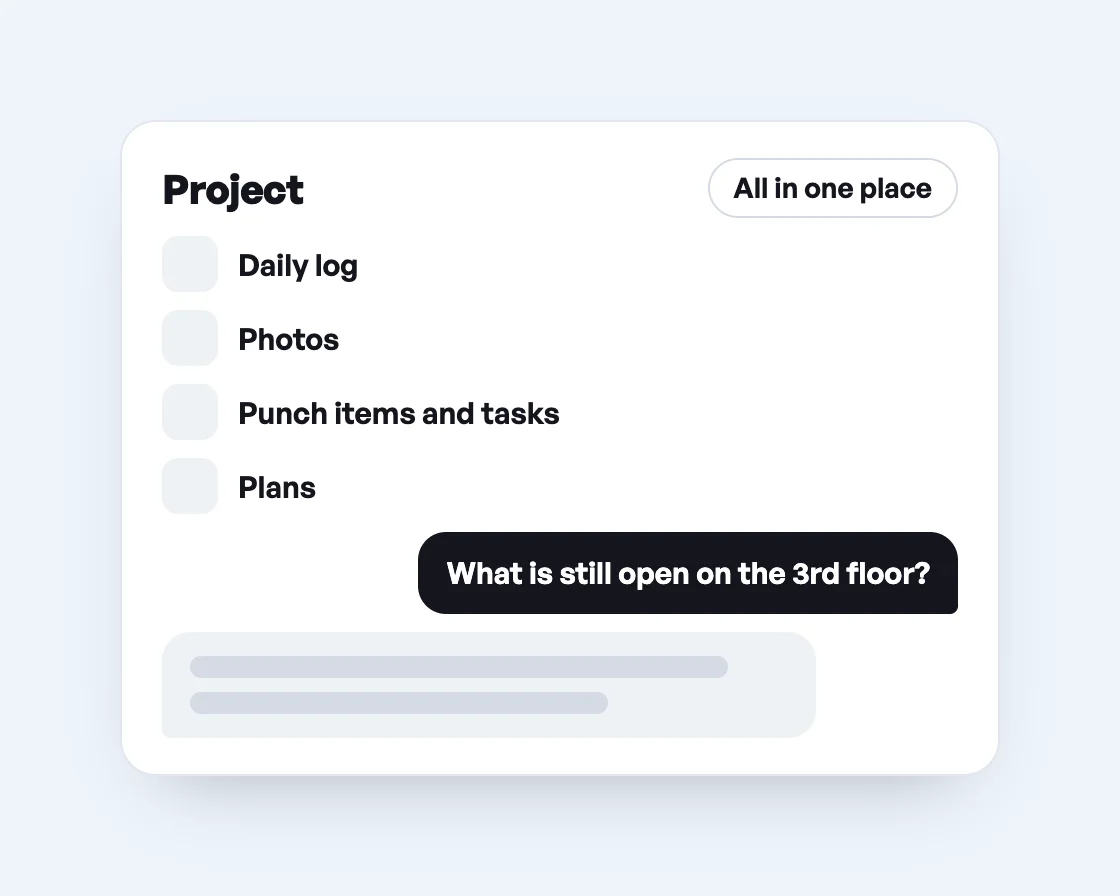
  • Ask Ben what is still open on the 3rd floor, and he answers from the project data.
  • Ben combines a week of reports into one report for the owner. You review and approve it.
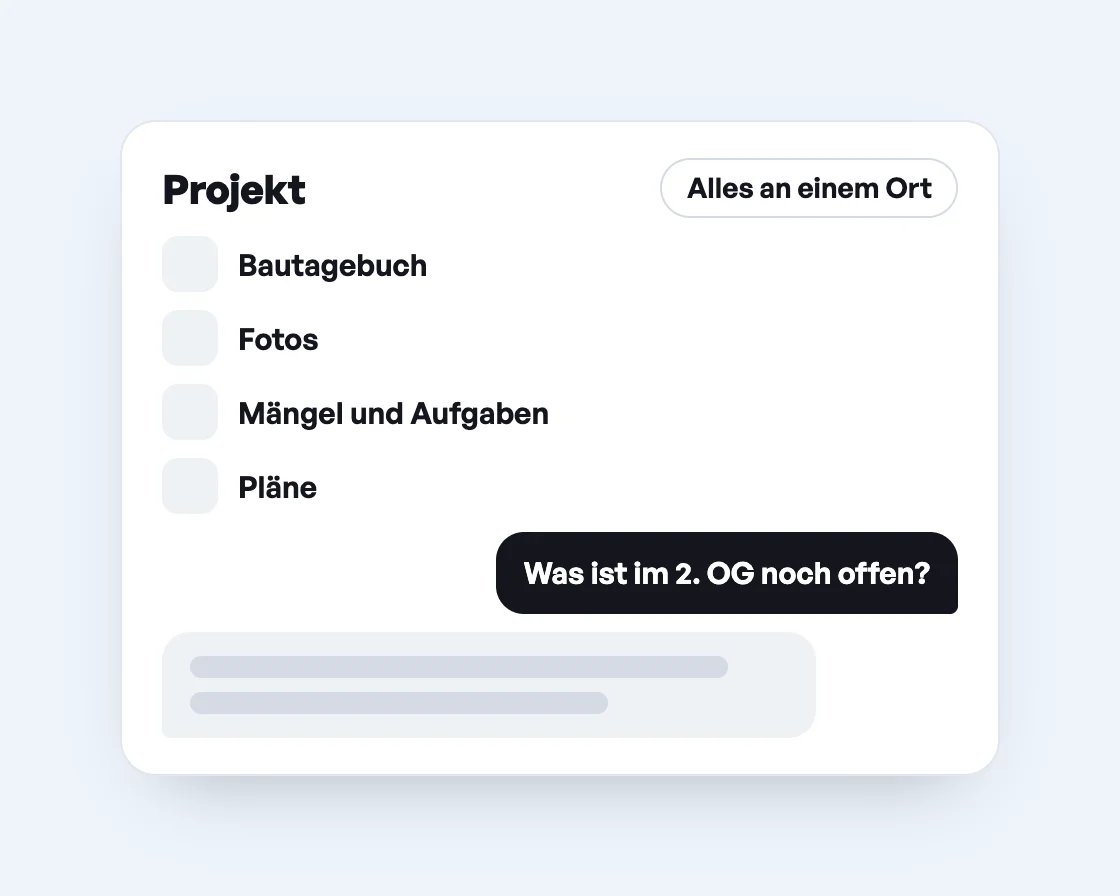
Projekt mit Bautagebuch, Fotos, Mängeln, Aufgaben und Plänen, darunter die Frage an Ben, was im 2. OG noch offen ist, und seine Antwort.
Project with daily log, photos, punch items, tasks and plans, below it the question to Ben what is still open on the 3rd floor, and his answer.
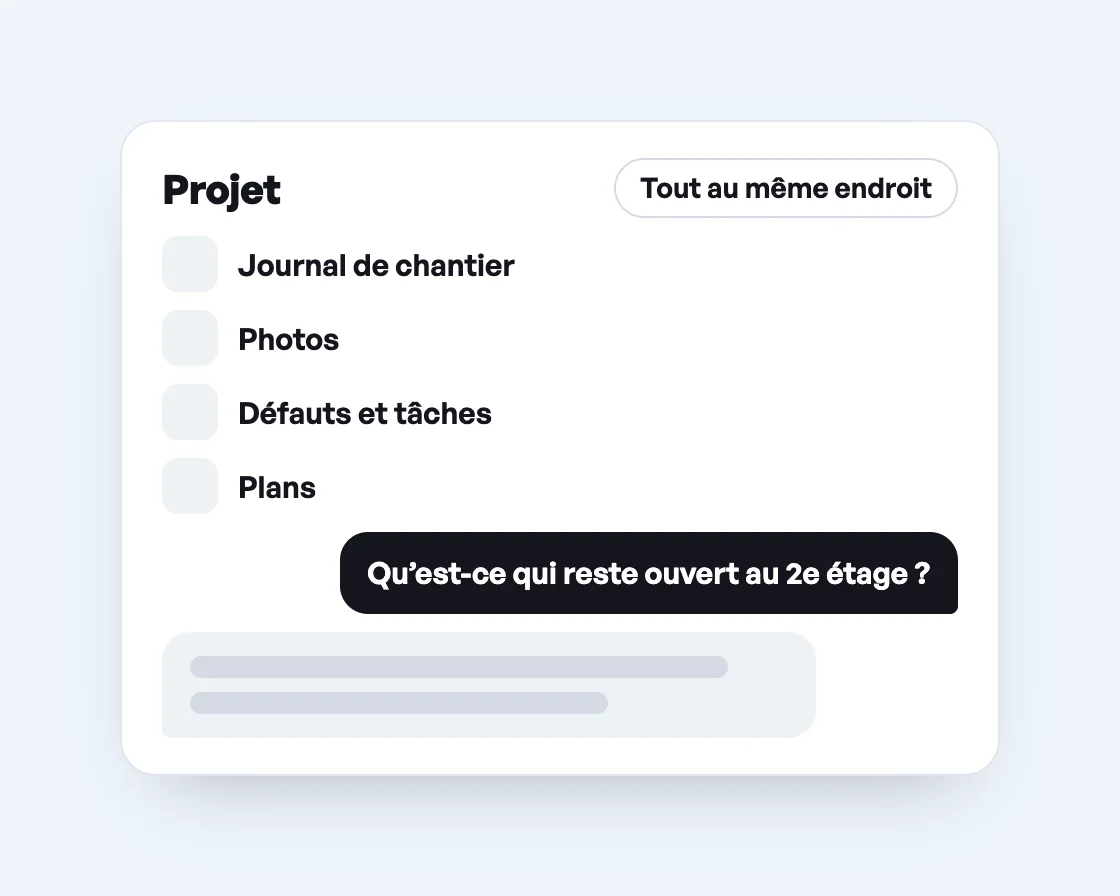
Projet avec journal de chantier, photos, défauts, tâches et plans, en dessous la question à Ben sur ce qui reste ouvert au 2e étage, et sa réponse.
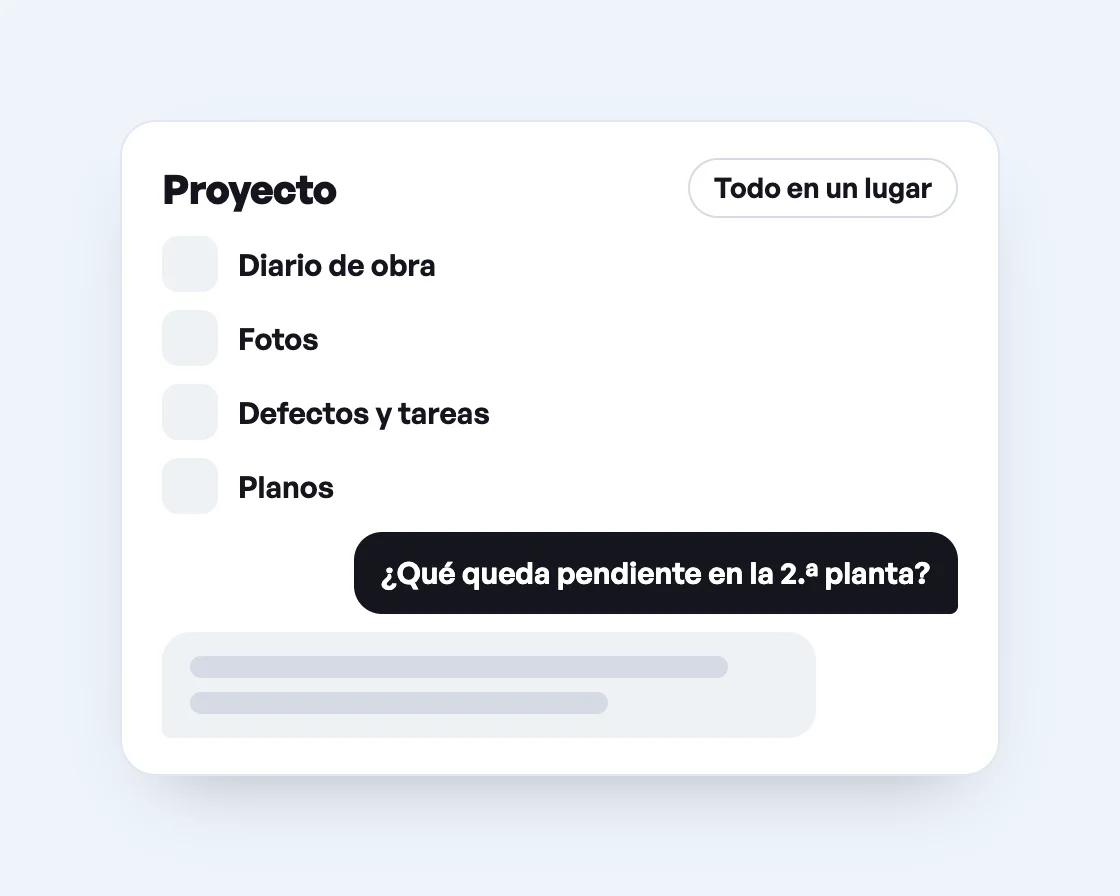
Proyecto con diario de obra, fotos, defectos, tareas y planos y, debajo, la pregunta a Ben sobre qué queda pendiente en la 2.ª planta y su respuesta.

Ben knows your building.

Ben, the AI assistant from Benetics AI, reads the plans, punch lists and reports for your building and answers questions about them. He finds rooms and areas, checks fire protection requirements for doors and turns site walks into a report. You say in one sentence what you need. Ben does the rest.

Which punch items are still open in the building?

How many square feet is office 2.14?

Check whether the stairwell door on the 1st floor meets the fire protection requirement.

Turn today’s site walk into a report.

Frequently asked questions about Benetics AI for architects in a site supervision role.

Answers to the most common questions. There's more in our Help Center.

Yes. You send the punch item via a secure link, by email or WhatsApp. The contractor replies to it and marks it done, with a photo. They see only what you share with them.

With the handover report template. You fill it in by voice, and the owner signs right on the phone.
Yes. You export the punch list as a PDF or Excel file.

Open the plan and tap “Compare with old plan” to see the old version. A second tap shows the new one again.

The downloaded plan works offline, and you can type punch items onto it. The entries sync as soon as your phone is back online. The voice assistant needs an internet connection.

No. Install the app, scan the QR code, done. If you can take a photo, you can log a punch item.

No time to try it yourself?

Jason shows you in a 30-minute video call how Benetics AI takes the paperwork off your plate as an architect in a site supervision role.
See it live. 30 minutes.
A man with a phone

No time to try it yourself?

Jason shows you in a 30-minute video call how Benetics AI takes the paperwork off your plate as an architect in a site supervision role.
See it live. 30 minutes.
A man with a phone