AI voice assistant for HVAC crews. Not for the GC's office.
The duct run hits a beam, so your crew reroutes it. Say it once, with a photo, and Benetics AI turns it into the daily report and the backup for the change order. The extra work gets billed.

Featured Partners:




























Featured Partners:





What your HVAC crew uses on the jobsite
Voice documentation
Daily reports, T&M sheets, punch list items and problem reports, spoken on the jobsite and filed to the right project.
Ask Ben about the plan
Ben, the AI assistant from Benetics AI, sets up the project from your mechanical drawings in 2 minutes. Then ask which rooms are on the plan and their exact area, and your bid starts from real numbers.
Problems reported on the spot
A unit damaged on delivery, a missing sleeve, a clash with the sprinkler main. Say it, snap a photo, and it lands on the plan with a timestamp.
Connects with ServiceTitan, Jobber and more
Benetics AI connects with ServiceTitan, Jobber, Housecall Pro, and QuickBooks. Through an open REST API, Make.com and Zapier, reports also flow into the other tools your office already uses.
Your GC has project software. Now your crew has one too.
01 / Your crew talks. Benetics AI writes the record.
Your crew finds a condensate line with no slope. They describe it and snap a photo. Benetics AI files it to the spot on the plan with a timestamp, and your PM sees it without a phone call.
02 / Current plans, even without signal
Mechanical rooms and basements often have no signal. Downloaded plans still open, and tasks and reports you create on them sync once you're back online. Voice input needs a connection, so until then your crew types.
What skilled trades teams say about Benetics AI
Many companies are already using Benetics. Praise makes us happy, criticism helps us improve.
We strive to get better every day.
We strive to get better every day.
Our team only needed 30 minutes to start working with Benetics. Much faster than expected.

I’ve really saved a huge amount of time with Benetics and become much more efficient. It’s like having a personal assistant.

Since we switched to Benetics, WhatsApp is a thing of the past – now we work more efficiently and professionally.

Thanks to Benetics, my phone rings much less often. Our entire team works about ten percent more efficiently, which immediately boosts our margins.

With Benetics, my team and I save significant time and money during construction execution.

Thanks to Benetics, our installers always have the latest plans in their pockets. Everyone works with a to-do list that is always up to date. This saves us time and money.




More on AI and jobsite documentation
Here you can find current news and articles. From us and others.
Product
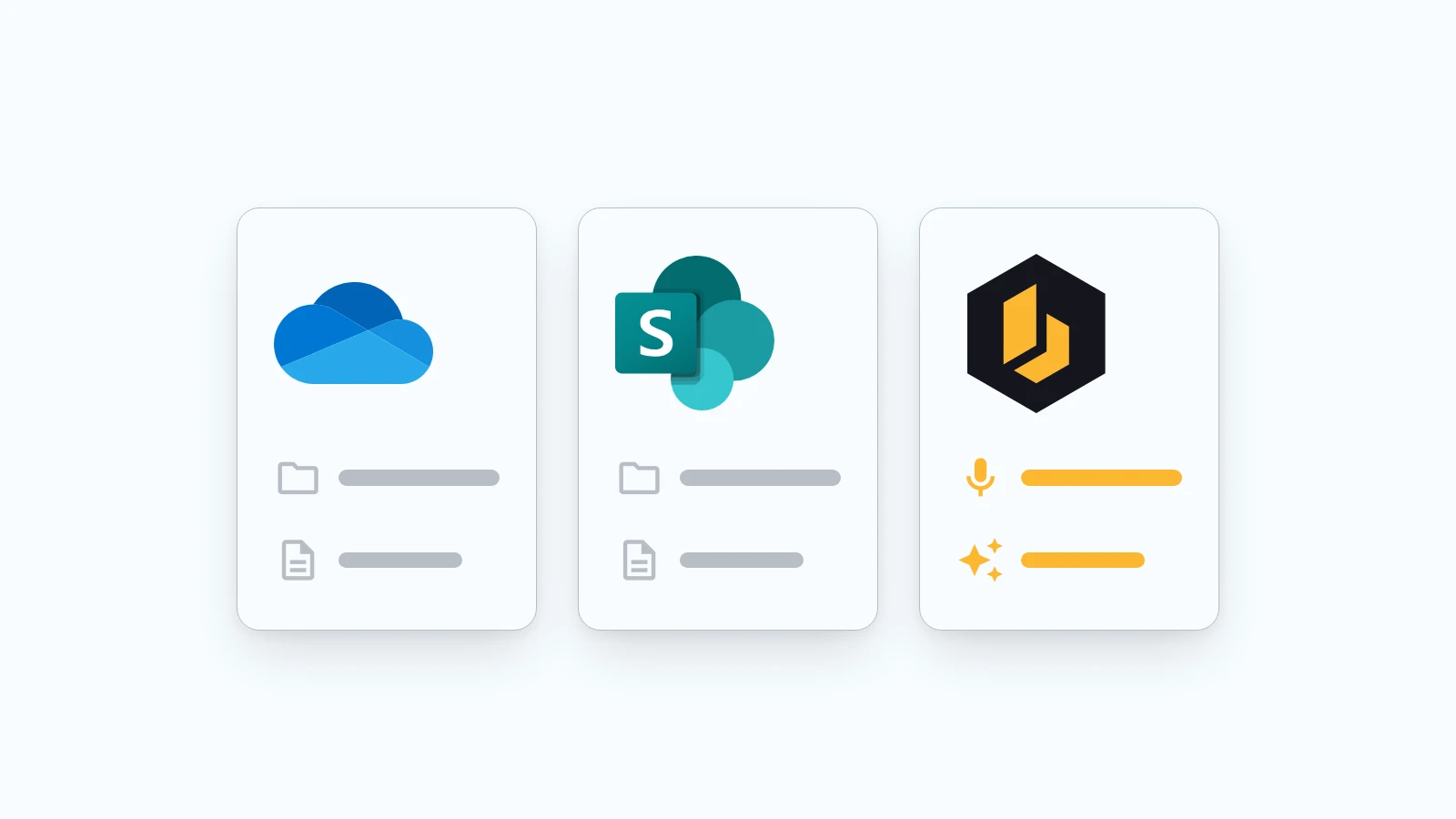
SharePoint, OneDrive, and Benetics AI: Why another app?
Plenty of contractors and construction companies already run on Microsoft 365. Documents live in SharePoint and OneDrive, email runs through Outlook, and in the office it all works fine. So when they hear about Benetics AI, the question is almost always the same: "Don't we already have that?"
5
October
2026