AI voice assistant for painting crews

Say which rooms got primed, which walls need patching first and what the GC added. Benetics AI turns it into the daily report, the punch list and the backup for extra work.

Painter rolls blue grey paint onto a wall while holding a smartphone in her other hand

Featured Partners:

Featured Partners:

Benefits for Your Painting Team: Less Effort, More Productivity

Running a painting business means coordinating crews, tracking job progress, and keeping documentation organized. Benetics AI puts AI for painting companies directly into your workflow, so your team spends less time on admin and more time finishing jobs.

AI Voice Assistant Features for Painting Contractors

Quickly Capture Issues & Document with Photos

Spot a problem with prep work or surface damage? Record it immediately. The AI voice assistance for painters captures your spoken notes and timestamps them with your location. Snap a photo and attach it in seconds. You can also add annotations directly to plans to mark exactly where issues occur, building a clear record.

Stay on Top of Plans & Tasks, Even on the Go

Your crew is rarely in one place for long. Benetics AI keeps your plans and task lists accessible from any device. Floor plans, assignments, and project notes are all on your phone. No signal? Downloaded plans still open, and what you type syncs once you're back online. The voice AI for painting workflow lets you ask questions naturally instead of tapping through screens.

Assign Tasks by Voice and Track Progress Easily

Need to reassign a crew member or add a punch list item? Just say it. Benetics AI creates the task, notifies the right person, and logs the deadline. As painters complete work, they update their status by voice. You watch progress in real-time from the office or your truck. Benetics AI keeps everyone moving.

Better Communication Between Office & Job Site

Information flows both ways with Benetics AI. Field crews send updates, photos, and completion notes to the office instantly. Office staff share plan changes, client requests, or schedule adjustments back to the site. Built-in translation handles multilingual teams, so language barriers do not slow you down. This AI for painters makes sure the right information reaches the right people.
Book a demo

More Than a Standard App for Painters

01/ Fast Handling of Documentation & Reports

Generate professional reports in minutes. Benetics AI pulls together daily logs, photos, time entries, and task updates into formatted documents. Collect client signatures on your phone to confirm completed work. Send finished reports to property managers or your own records. The system handles extra work orders, material tracking, and completion reports with the same ease.

02/ Always Up-to-Date Plans with Continuous AI Updates

When you upload project plans, the AI labels and organizes them automatically by floor, room type, or custom tags. Everyone accesses the same current version. No more outdated printouts floating around. Changes sync instantly, and your AI for painting companies keeps documentation organized as projects evolve.

What skilled trades teams say about Benetics AI

Many companies are already using Benetics. Praise makes us happy, criticism helps us improve.

We strive to get better every day.
Our team only needed 30 minutes to start working with Benetics. Much faster than expected.

Christian Sprenger
Project lead solar installation, Elektro Schwizer AG
I’ve really saved a huge amount of time with Benetics and become much more efficient. It’s like having a personal assistant.

Michael Bender, Management, Projekt Light
Michael Bender
Management, Projekt Light
Since we switched to Benetics, WhatsApp is a thing of the past – now we work more efficiently and professionally.

Claudio Alig, Owner and Managing Director, Alig Timber Construction
Claudio Alig
Owner and Managing Director, Alig Timber Construction
Thanks to Benetics, my phone rings much less often. Our entire team works about ten percent more efficiently, which immediately boosts our margins.

Stefano Jud, Project lead, JADA Fire Protection GmbH
Stefano Jud
Project lead, JADA Fire Protection GmbH
With Benetics, my team and I save significant time and money during construction execution.

Fetija Burekovic, Construction supervisor, Landis Bau AG
Fetija Burekovic
Construction supervisor, Landis Bau AG
Thanks to Benetics, our installers always have the latest plans in their pockets. Everyone works with a to-do list that is always up to date. This saves us time and money.

Beno Stettler, Lead electrician, Bernauer AG
Beno Stettler
Lead electrician, Bernauer AG

Worth it. For you and your team.

Simple and transparent pricing. Try Benetics for free.
Starter
Free
per user/month
For one person and one project. Free for as long as you like.
Free
Free
Free
Free
Free
Pro
CHF 39
per user/month
For your whole crew. Every feature, unlimited projects.
€39
$39
$39
CHF 39
£39
Enterprise
Get in touch
per user/month
For companies with 200+ employees. We build it around how you work.
Get in touch
Get in touch
Get in touch
Get in touch
Get in touch
Starter
Free
per user/month
For one person and one project. Free for as long as you like.
Free
Free
Free
Free
Free
Pro
CHF 25
per user/month
For your whole crew. Every feature, unlimited projects.
€25
$25
$25
CHF 25
£25
Enterprise
Get in touch
per user/month
For companies with 200+ employees. We build it around how you work.
Get in touch
Get in touch
Get in touch
Get in touch
Get in touch
Learn more

No time to try it yourself?

In 30 minutes on a video call, Antonio shows you how Benetics AI takes the documentation work off you and your crew.
See it live. 30 minutes.
A man with a phone

No time to try it yourself?

In 30 minutes on a video call, Jason shows you how Benetics AI takes the documentation work off you and your crew.
See it live. 30 minutes.
A man with a phone

More on AI and jobsite documentation

Here you can find current news and articles. From us and others.
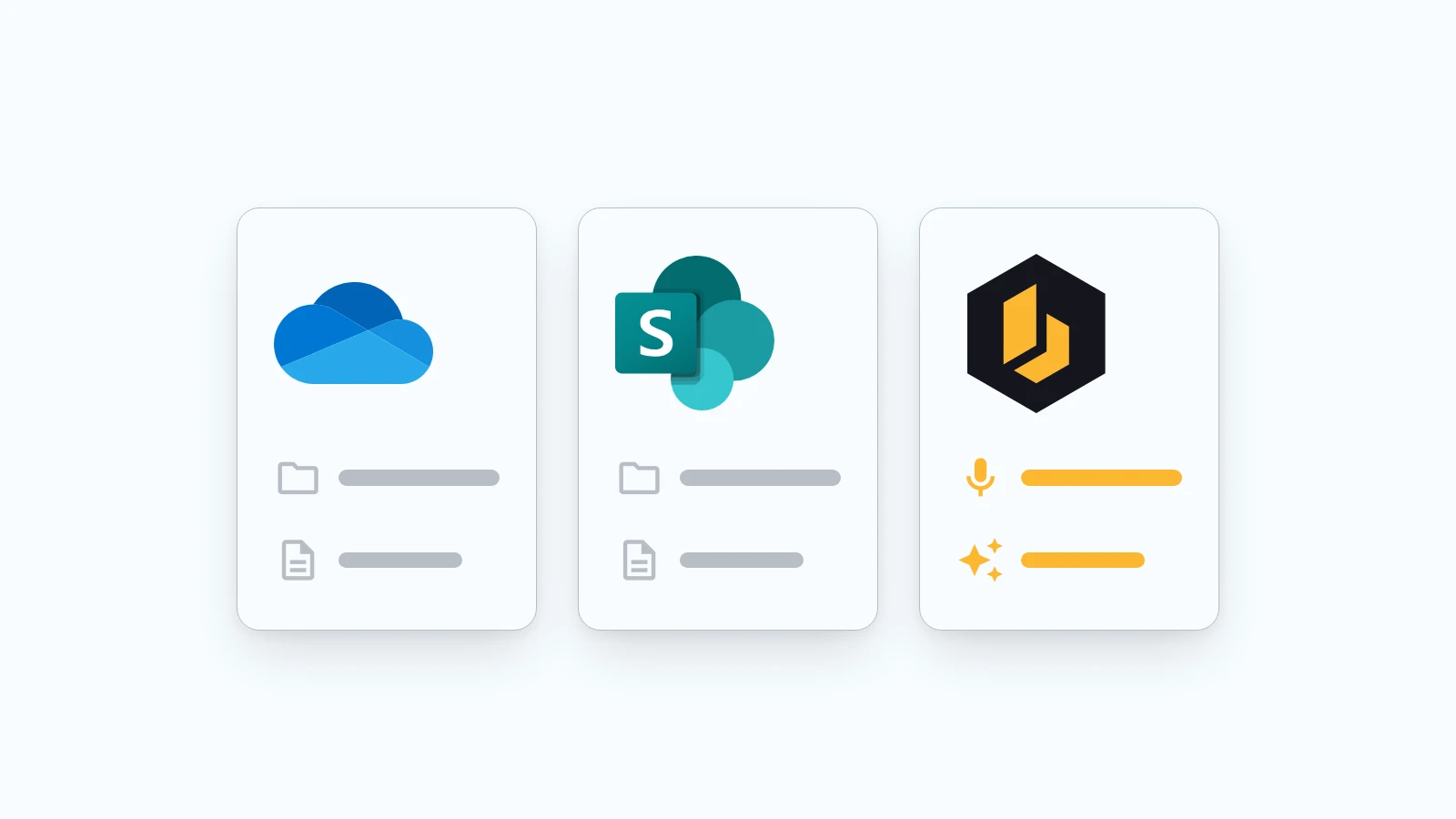
Three tiles side by side: OneDrive and SharePoint with folders and documents, next to Benetics AI with a microphone and an AI icon
Product

SharePoint, OneDrive, and Benetics AI: Why another app?

Plenty of contractors and construction companies already run on Microsoft 365. Documents live in SharePoint and OneDrive, email runs through Outlook, and in the office it all works fine. So when they hear about Benetics AI, the question is almost always the same: "Don't we already have that?"
5
October
2026

Elektro Waser AG logo over a technician installing solar panels on a roof, with a lake and mountains in the background
Success Stories

Elektro Waser AG x Benetics AI: Good Documentation Starts on Site

For over 60 years, Elektro Waser AG has stood for electrical installations in Central Switzerland. Around 20 employees are out on a wide variety of construction sites every day – supported by Benetics AI.
23
July
2026
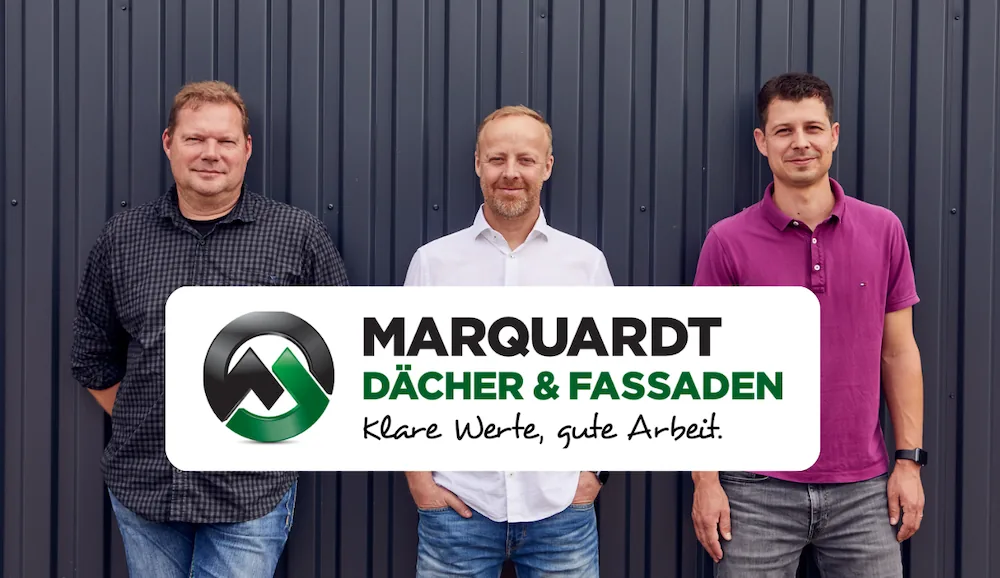
The Marquardt Roofing team with Managing Director Klaus Marquardt
Success Stories

“Everyone Should Get Paid for the Work They Do” – How Marquardt Roofing Makes Every Job Visible

How Marquardt Roofing creates daily reports and work records by voice. With Benetics AI, jobsite documentation is simple and complete.
23
June
2026

Frequently asked questions.

Answers to the most common questions. There's more in our Help Center.

Voice documentation, task management, and report generation all come standard. You won't hit a paywall for the features that matter.

Download it, punch in your phone number, and create your first project. Most crews figure it out on their own without a walkthrough.

iPhone, Android, and any desktop browser. Pick up one device, and your updates are already there on the others.

Benetics AI has an open REST API, so you can tie it into accounting software, scheduling tools, or other platforms. Reach out to the team if you want help setting up a connection.

Yes. Benetics AI transcribes your spoken notes into reports. Add photos, material lists, and time entries by voice. Export finished reports as PDFs or spreadsheets.

Absolutely. Benetics AI works on iOS, Android, and desktop browsers. Plans, tasks, and files stay synced across devices. The app stores your inputs and uploads them when you don’t have a signal.

Yes. Most painters cut their documentation time significantly. Instead of writing reports by hand or typing notes at the end of the day, you speak them as you work. The system organizes everything.