APP UPDATES

Your AI voice assistant for the jobsite and the building.

Talk through reports, punch lists, and tasks right on site. Benetics AI pulls it all together, so trade crews, construction managers, and facility managers spend less time on paperwork.

4.9 out of 5 stars
Reports in 100+ languages

In use on more than 5,000 jobsites

In use on more than 5,000 jobsites

Reviews

Don't take our word for it. Take theirs.

Fire protection, flooring, electrical. In their own words.
We strive to get better every day.
We were always chasing daily field reports. [...] Now they just do it.

Cori Hale, President & CEO, EJH Construction, Farmington Hills, Michigan
Once you make their life easier, they naturally get engaged.

Steve Ball, Director of Operations, EJH Construction, Farmington Hills, Michigan
The thing we've used Benetics the most for is to keep that line of communication open and real time so that our guys can talk back to the office [...] instead of waiting for delayed communication that can cause delays and overtime in a project.

Jonathan Gold, Program Manager, J2 IT Group, Farmington Hills, Michigan
Benetics keeps our technicians efficient in the field while creating visibility for our management and engineering teams
Joe Chambers, Operations Manager, Elite Fire Safety, Novi Michigan
Benetics is a great app to help manage projects, keep team members up to date on status, document important aspects with pictures, to-do lists and checklists.
Ken Kish, Owner, Floor Coverings International, East Metro Detroit
Reviews

Don't take our word for it. Take theirs.

Fire protection, flooring, electrical. In their own words.
Because we want to get better. Every day.
Our team only needed 30 minutes to start working with Benetics. Much faster than expected.

Christian Sprenger
Project lead solar installation, Elektro Schwizer AG
I’ve really saved a huge amount of time with Benetics and become much more efficient. It’s like having a personal assistant.

Michael Bender, Management, Projekt Light
Michael Bender
Management, Projekt Light
Since we switched to Benetics, WhatsApp is a thing of the past – now we work more efficiently and professionally.

Claudio Alig, Owner and Managing Director, Alig Timber Construction
Claudio Alig
Owner and Managing Director, Alig Timber Construction
Thanks to Benetics, my phone rings much less often. Our entire team works about ten percent more efficiently, which immediately boosts our margins.

Stefano Jud, Project lead, JADA Fire Protection GmbH
Stefano Jud
Project lead, JADA Fire Protection GmbH
With Benetics, my team and I save significant time and money during construction execution.

Fetija Burekovic, Construction supervisor, Landis Bau AG
Fetija Burekovic
Construction supervisor, Landis Bau AG
Thanks to Benetics, our installers always have the latest plans in their pockets. Everyone works with a to-do list that is always up to date. This saves us time and money.

Beno Stettler, Lead electrician, Bernauer AG
Beno Stettler
Lead electrician, Bernauer AG

Talk, don't type, from groundbreaking to building operations

Structure, finishes, closeout, or facility management: you say what you see, right on site. Benetics AI turns it into a punch list item, a task, or a report.
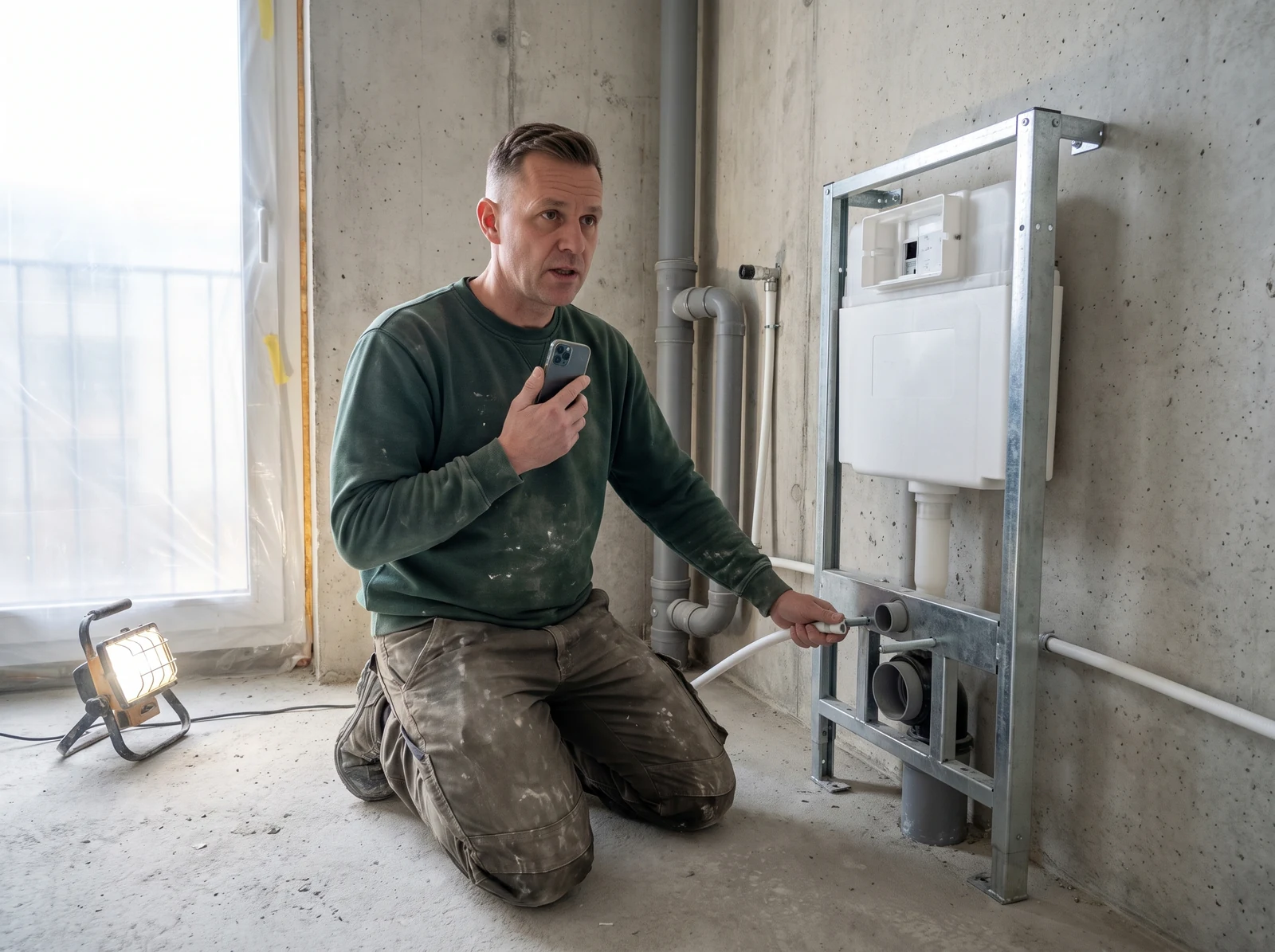
Plumber talking into a phone next to an in-wall carrier frame
Installation and finishes

Trade crews

Log hours, materials, and photos by voice, in any language or accent. The T&M ticket is done before you pack up.

Foreman on a concrete structure talking into a phone
Structure

Foremen

Talk through the daily report, T&M work, and defects on the jobsite. Your crew sees its tasks on the plan, and the office has the report the same day.
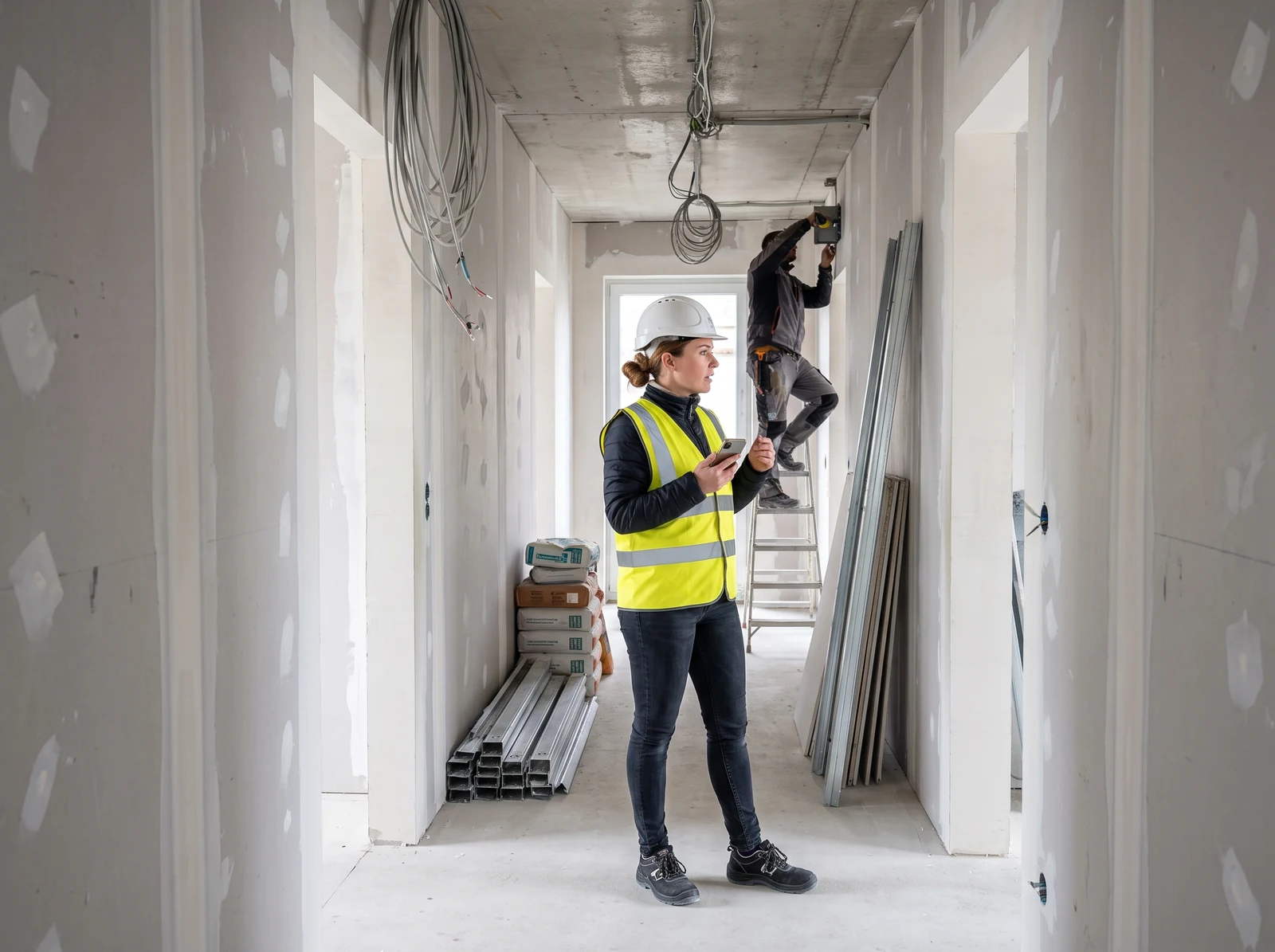
Construction manager with a phone during an interior buildout
Every phase

Construction managers

Call out punch list items on the walkthrough and pin them on the plan. The sub gets them by link and marks them done with a photo. You review and close them out.
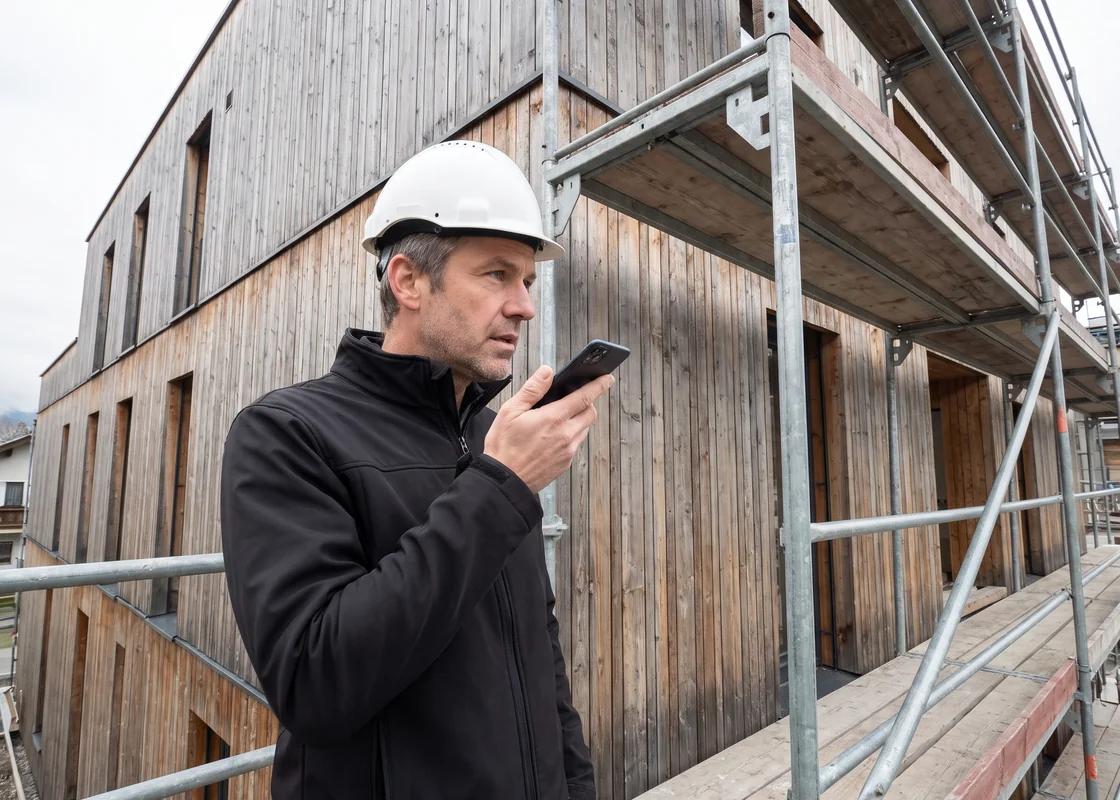
Architect inspecting the timber facade from the scaffolding
Closeout

Architects

At the final walkthrough, say what's still missing. Each contractor gets only its own items by link, and the report is signed on site.
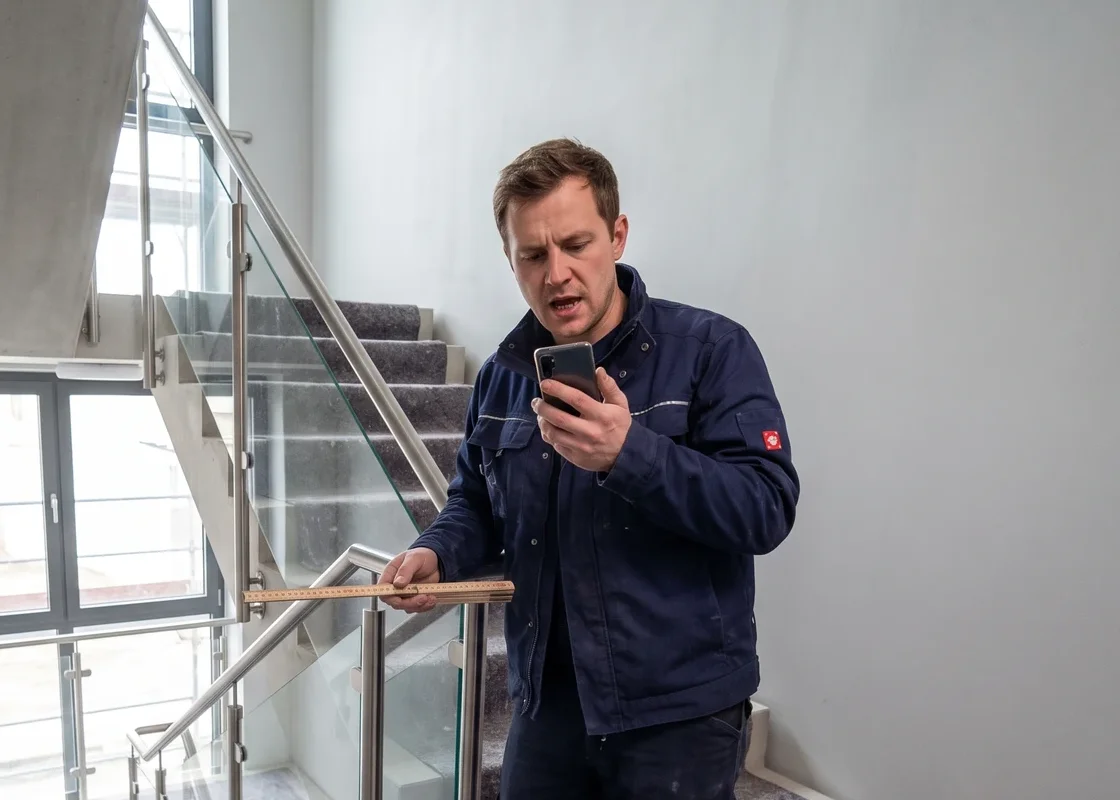
Technician on an inspection in a mechanical room
Building operations

Facility management

Talk through walkthroughs and inspections, with a photo and the spot on the plan. The client signs on site, and Ben tells you what's still open.
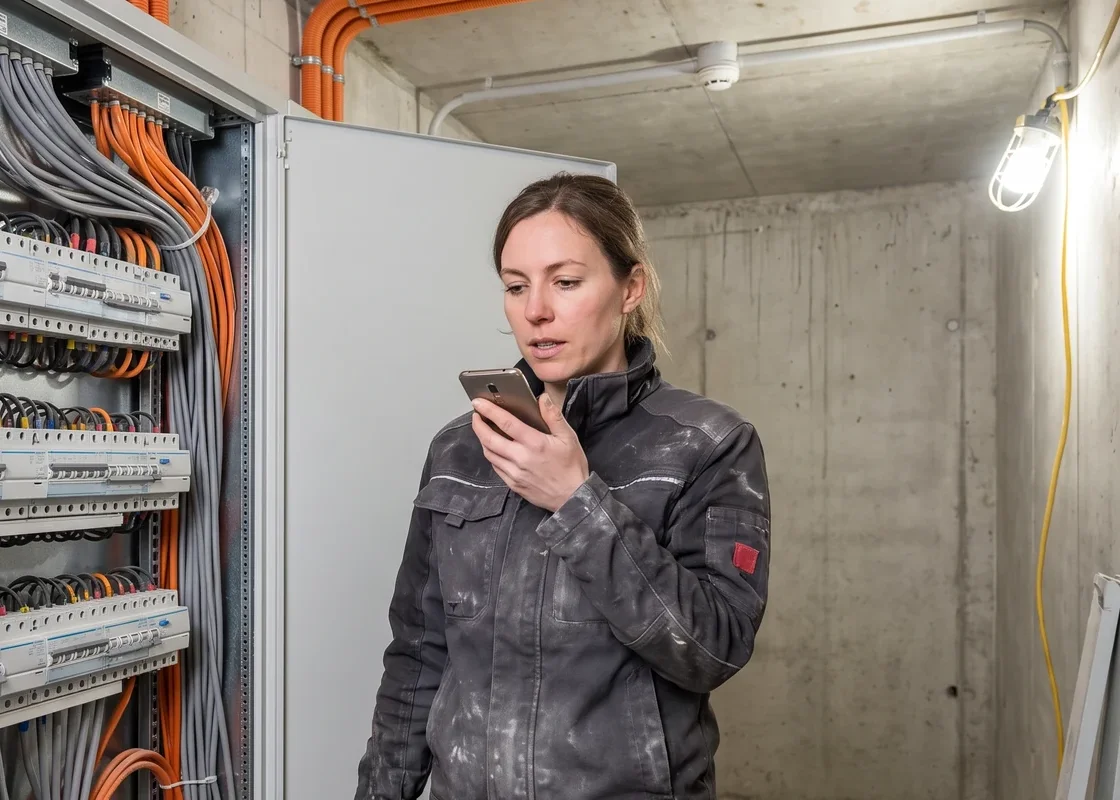
Engineer inspecting under a ventilation duct
MEP oversight

Engineers

Call out inspections and sign-offs on site, and open items land with the right trade on the plan. Ben creates them for every unit straight from the specs.
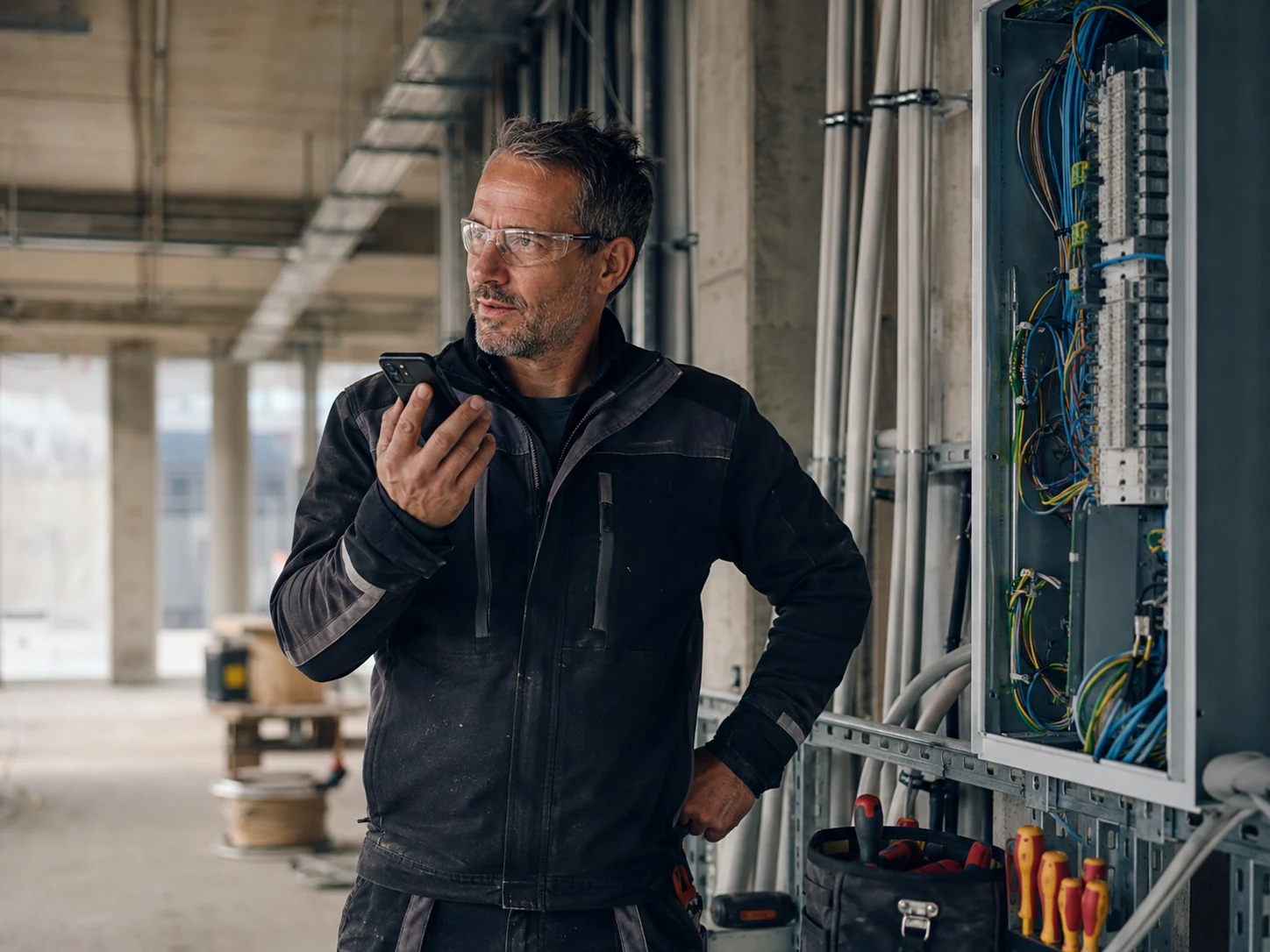
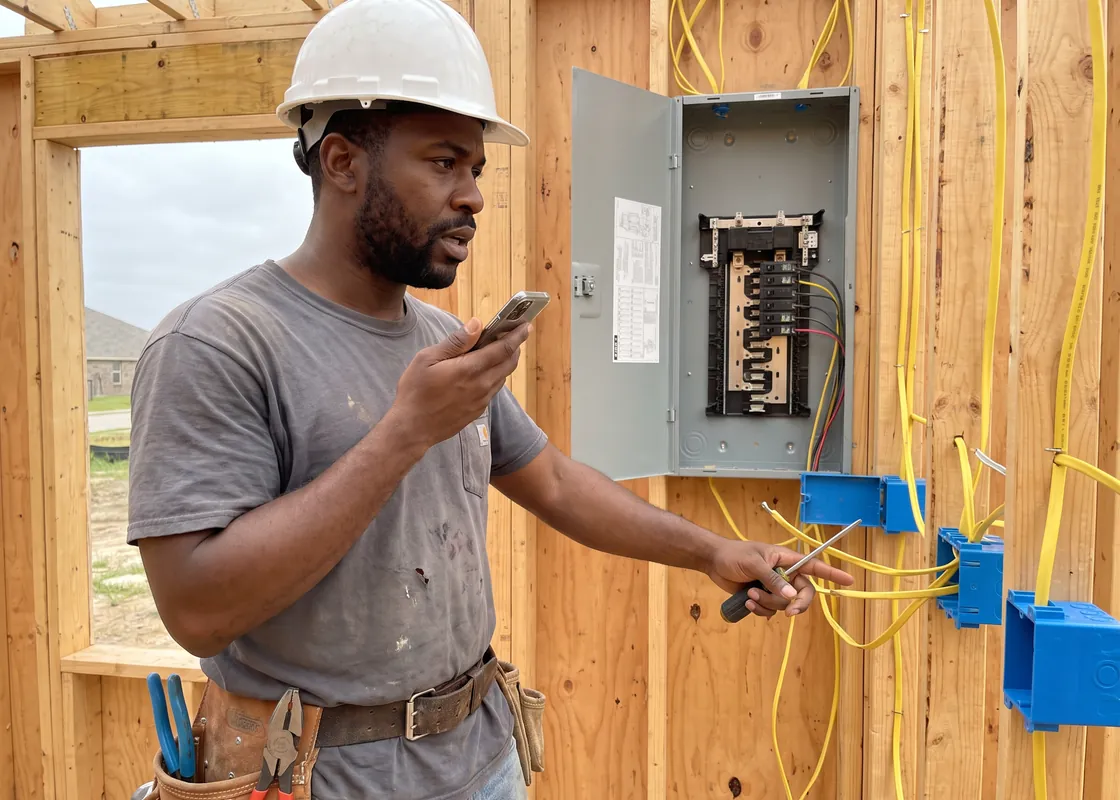
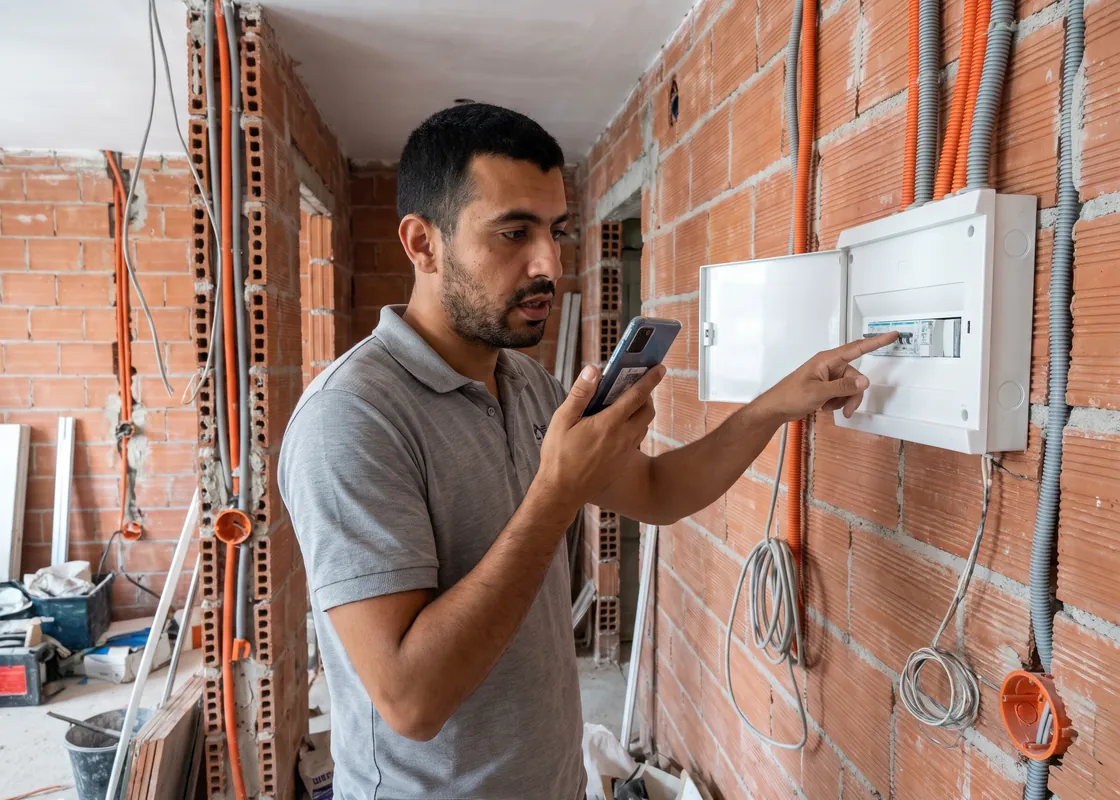
Electrician talking into a smartphone on a jobsite, next to an open electrical panel
Electrician next to an open breaker panel in a wood-framed house, dictating notes into his phone
Électricien devant un tableau électrique ouvert dans un immeuble neuf, qui dicte une note sur son téléphone
Electricista junto a un cuadro eléctrico en un edificio de viviendas en obra, dictando una nota en su móvil

Electricians

Wire pulled, boxes set: log hours, materials, and photos right on the jobsite. The construction manager sees progress on the plan.

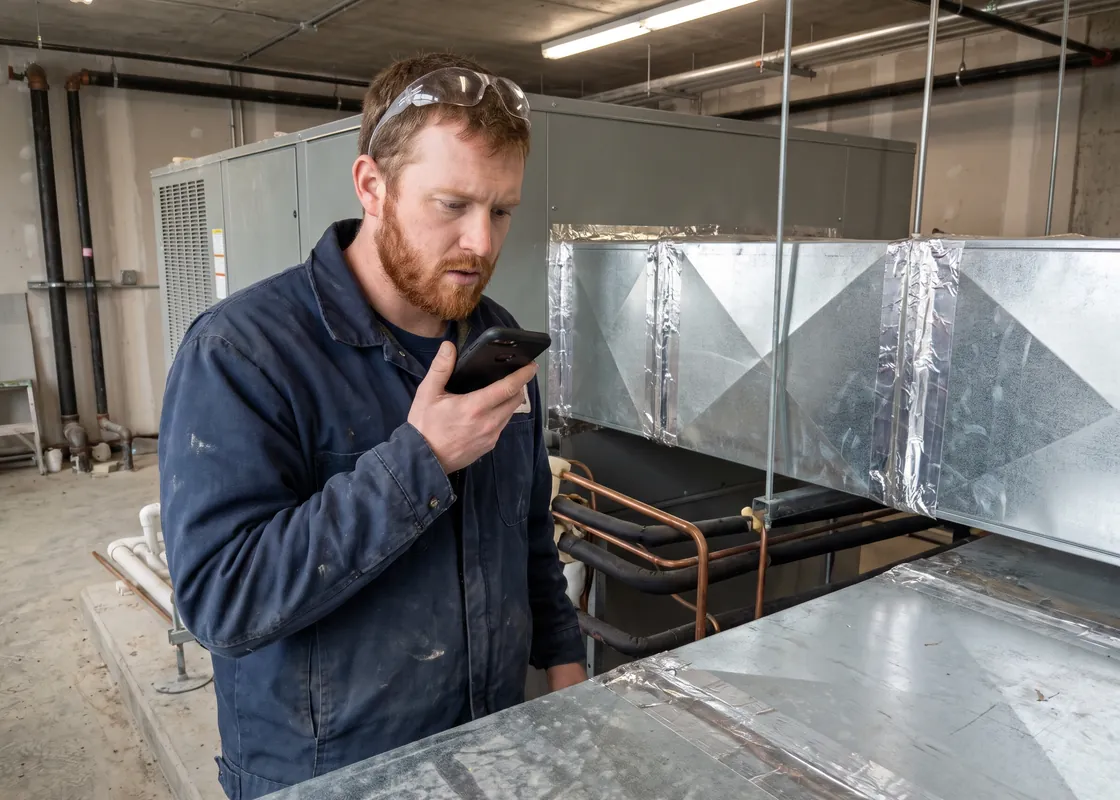
Building technician in a mechanical room checking a ventilation unit with a smartphone
HVAC technician beside galvanized ductwork and refrigerant lines, speaking into his phone
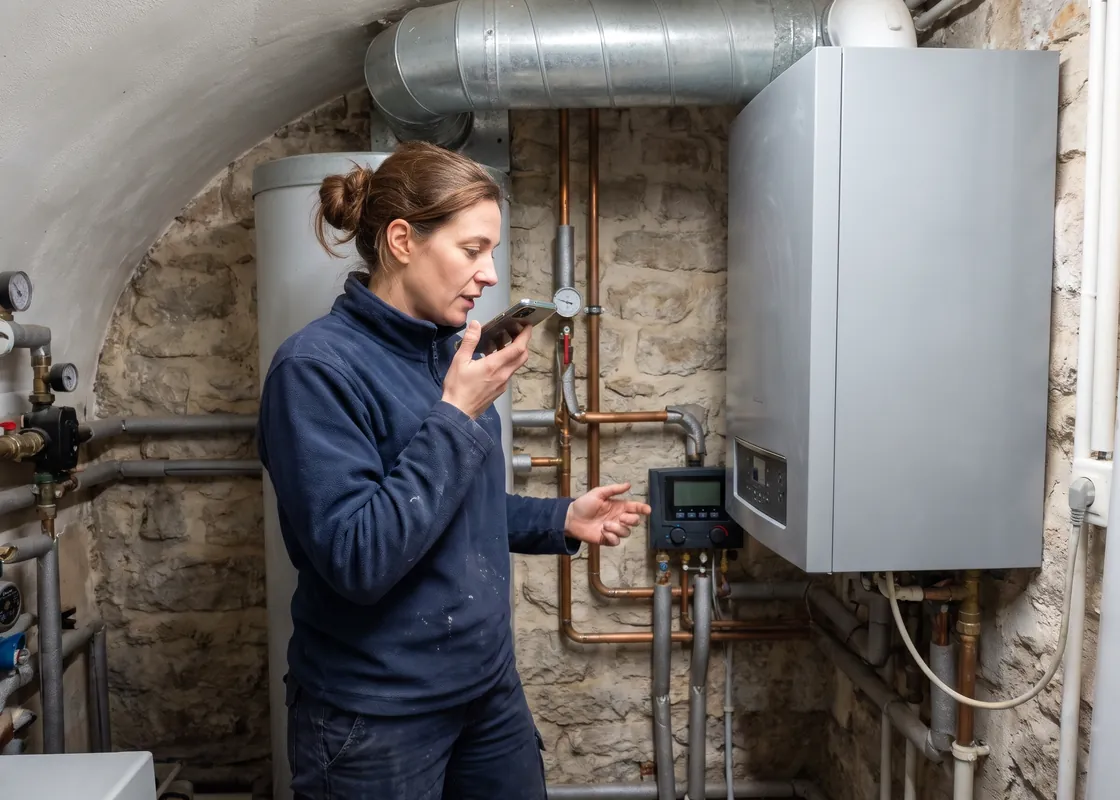
Technicienne chauffage et ventilation devant une chaudière murale en chaufferie, qui parle dans son téléphone
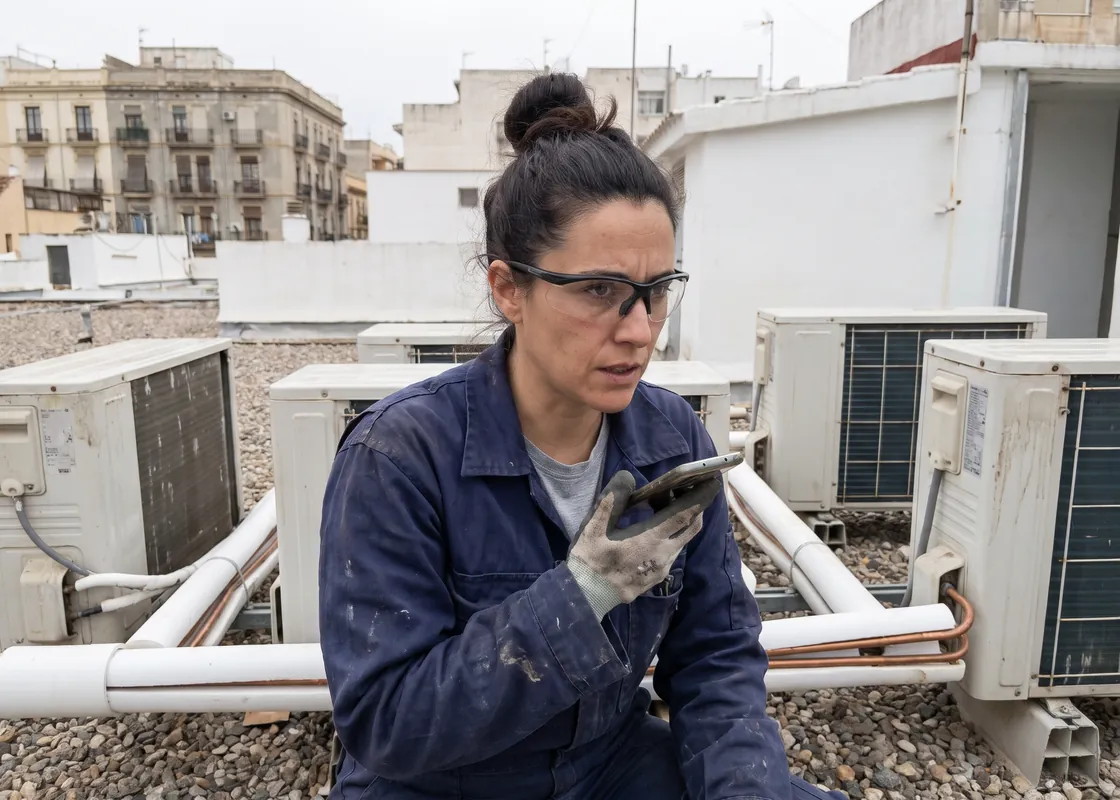
Técnica de climatización en una azotea entre unidades exteriores de aire acondicionado, hablando a su móvil

HVAC

Install, pressure test, or startup: say what got done, right on site. The project manager sees it instantly, with a photo and the spot on the plan.

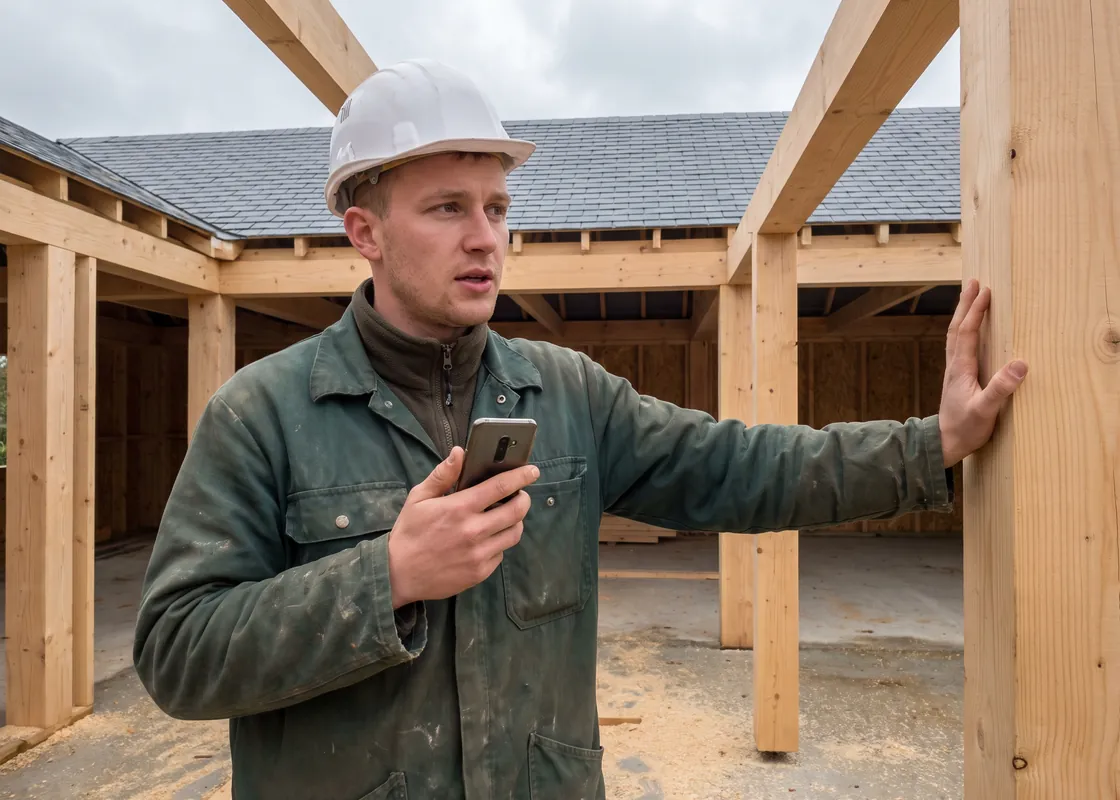
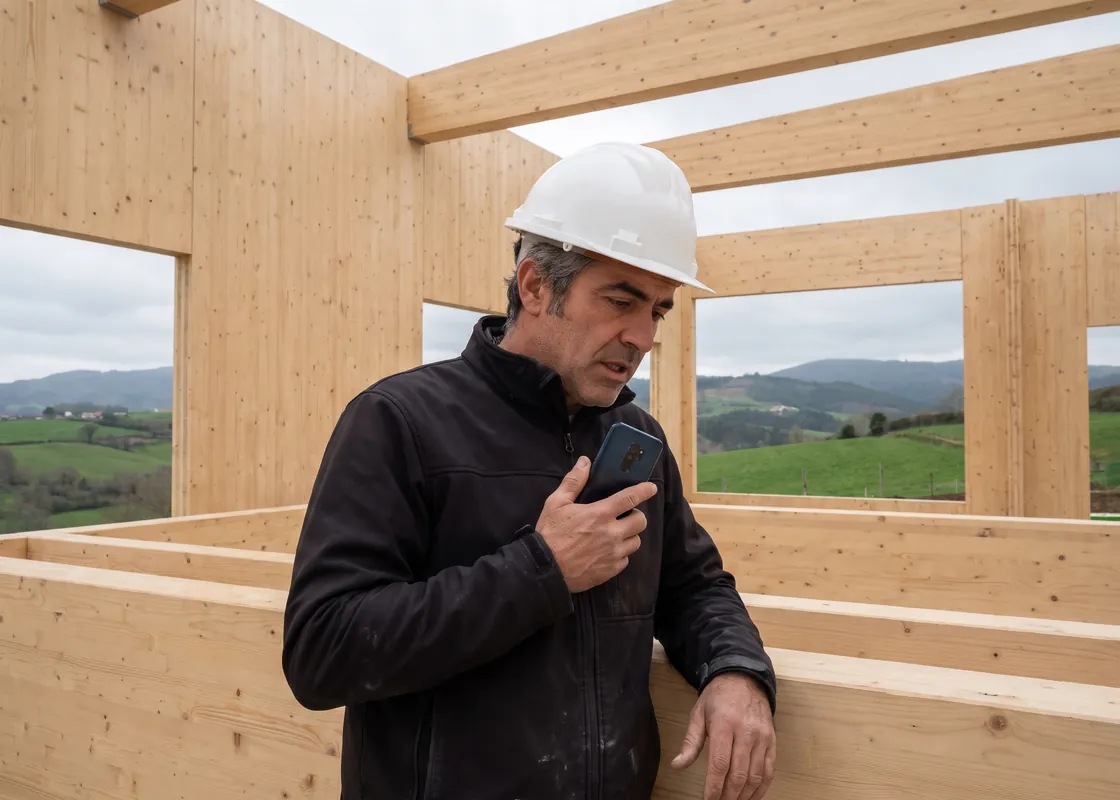
Carpenter talking into a smartphone inside a timber frame
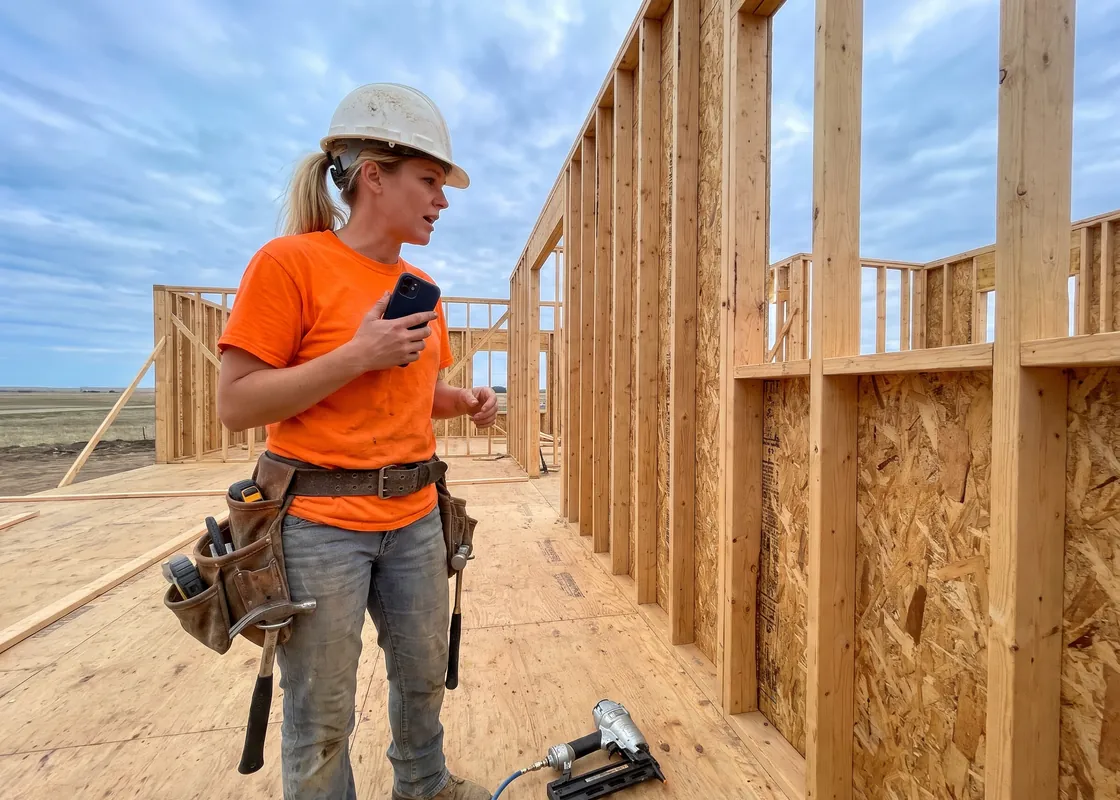
Framing carpenter on the subfloor of a wood-framed house, recording a voice note on her phone
Charpentier dans une maison à ossature bois en construction, qui dicte une note sur son téléphone
Carpintero en un edificio de madera contralaminada en construcción, dictando una nota en su móvil

Carpentry and framing

From cutting to installation: log tasks, photos, and hours on the jobsite. The shop and the office see the same status.
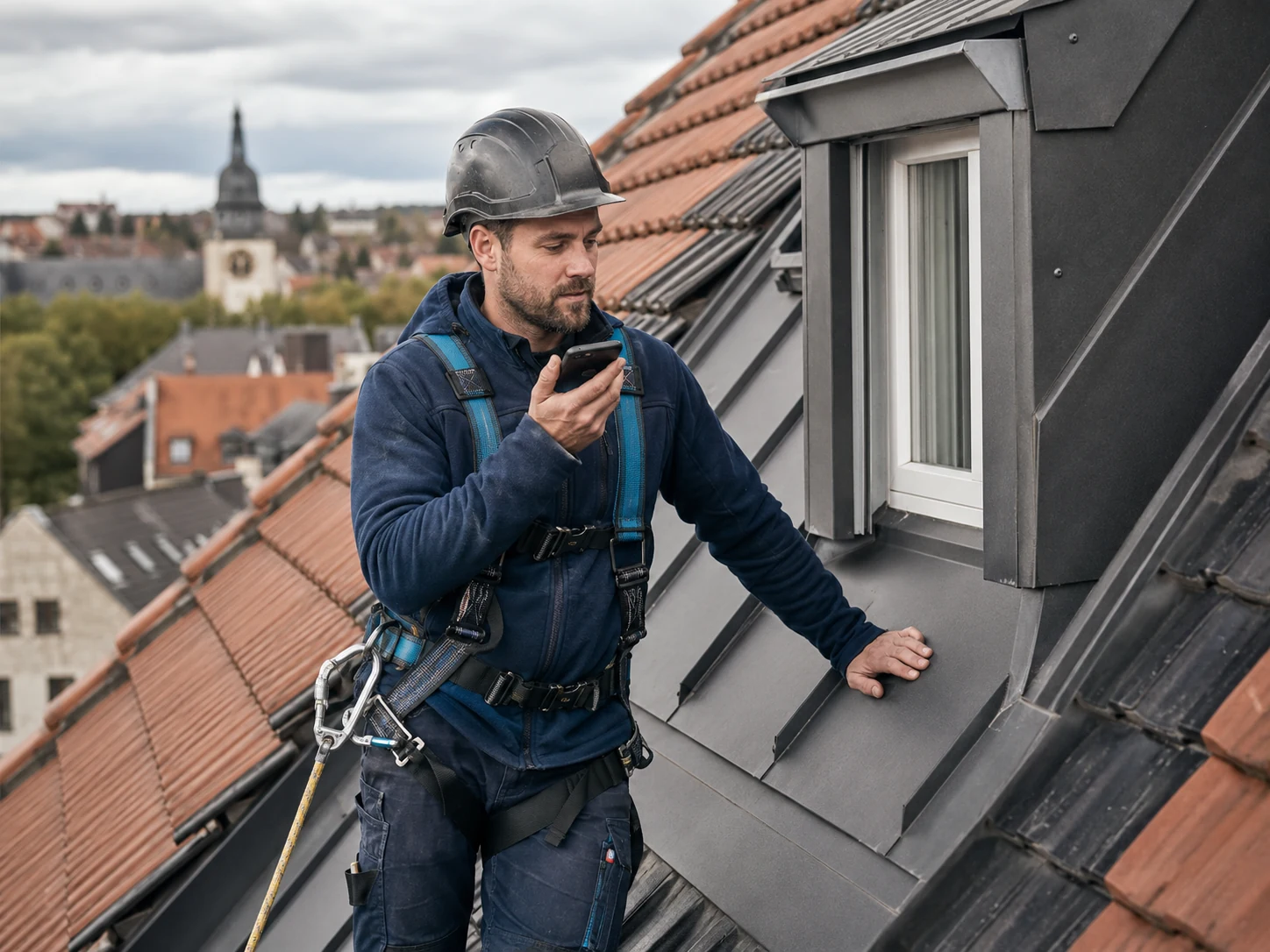
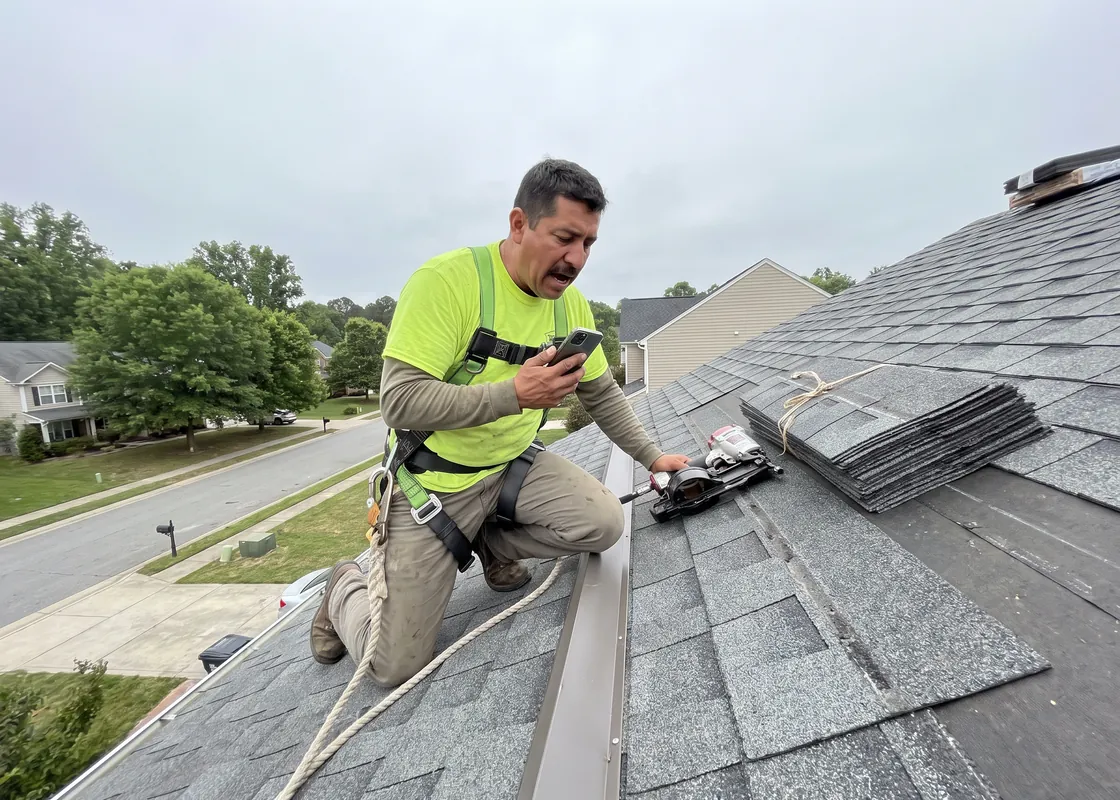
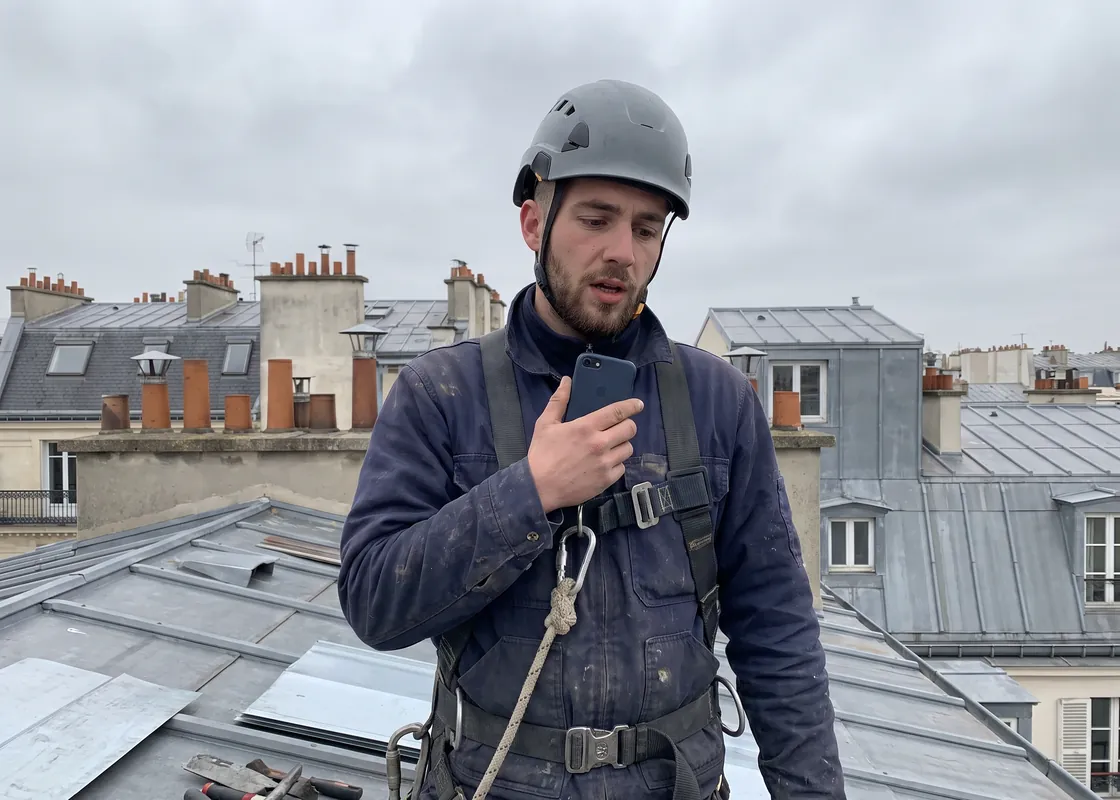
Roofer in a helmet and safety harness on a tile roof, holding a smartphone
Roofer kneeling on an asphalt shingle roof in a harness, dictating into his phone
Couvreur-zingueur sur un toit en zinc à Paris, harnaché, qui parle dans son téléphone
Tejador sobre un tejado de teja árabe en Andalucía, con arnés, dictando una nota en su móvil

Roofing and sheet metal

On the roof you don't have a free hand to type. Log hours, materials, and defects by voice, and the T&M ticket is done by the time you're down.

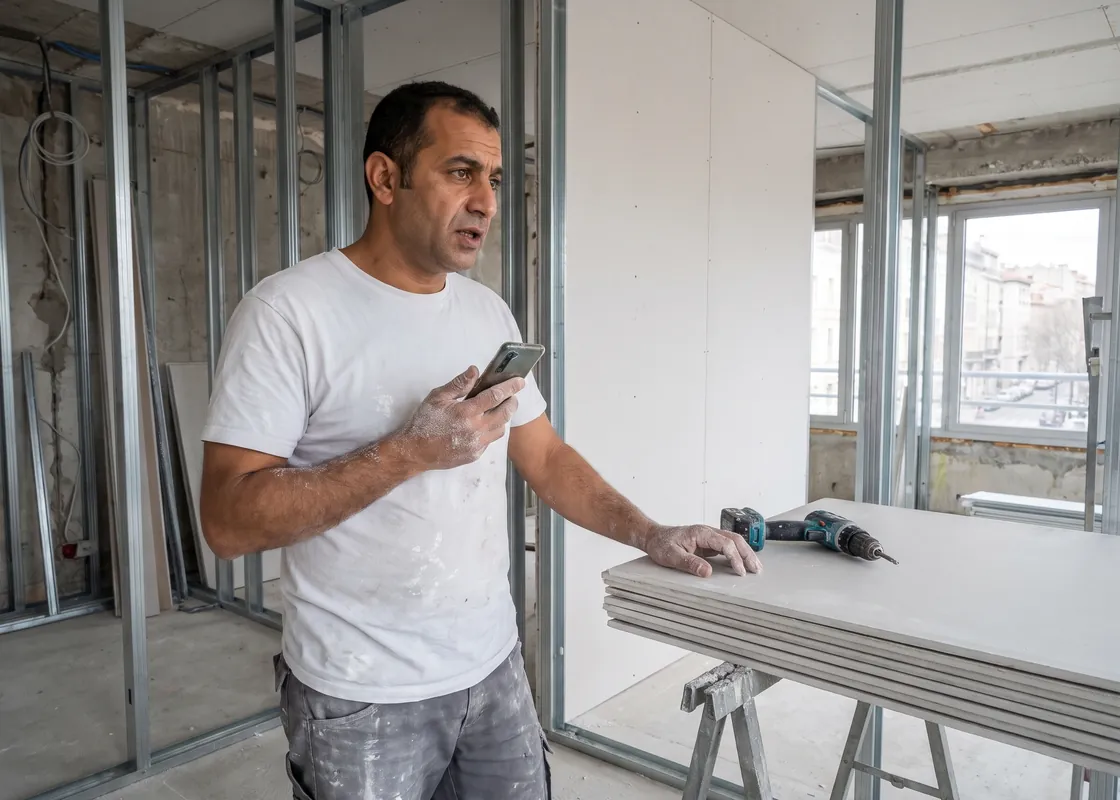
Drywall installer talking into a smartphone in an unfinished hallway, next to drywall sheets
Drywall finisher in an office build-out with taped sheetrock walls, speaking into his phone
Plaquiste devant des cloisons en plaques de plâtre sur ossature métallique, qui dicte une note sur son téléphone
Instalador de pladur junto a tabiques de placa de yeso en una oficina en obra, hablando a su móvil

Drywall

Log defects and extra work by voice and pin them on the plan. Every T&M hour has its backup before anyone asks.
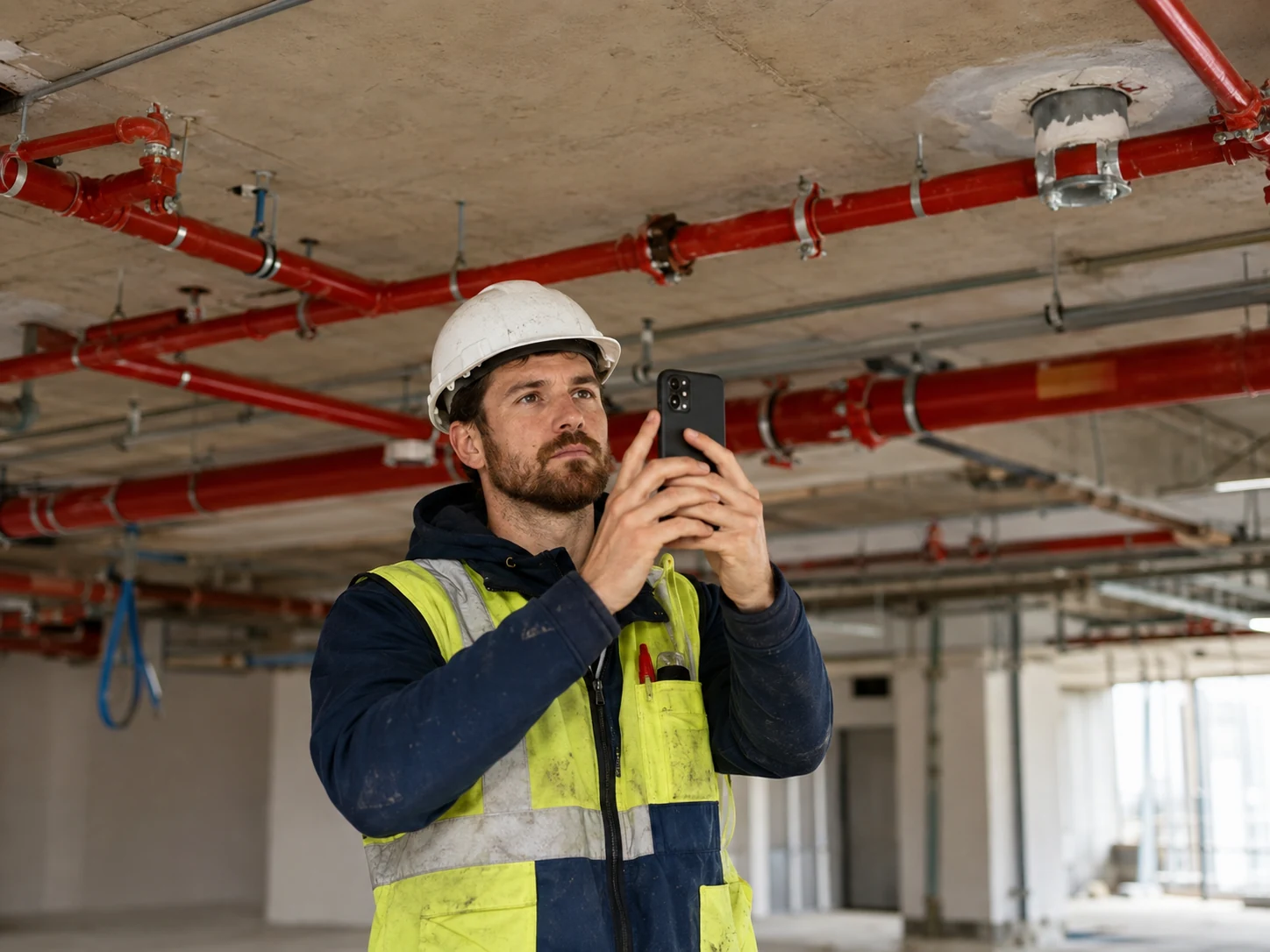
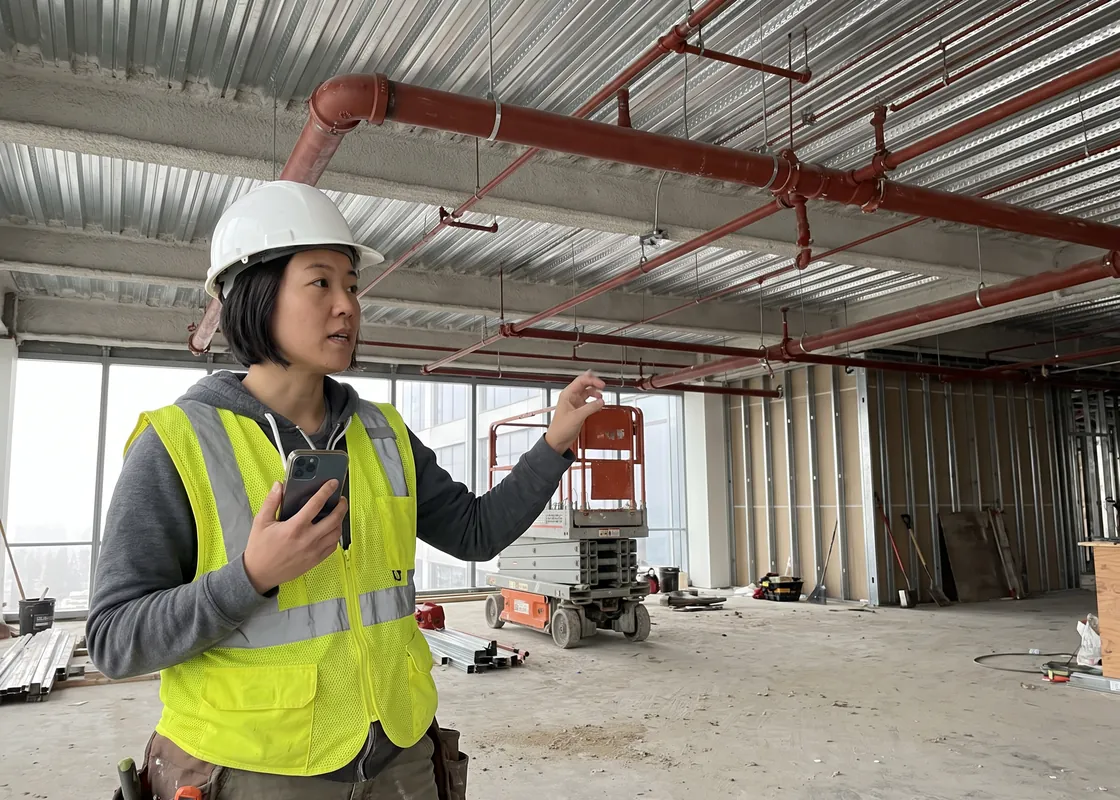
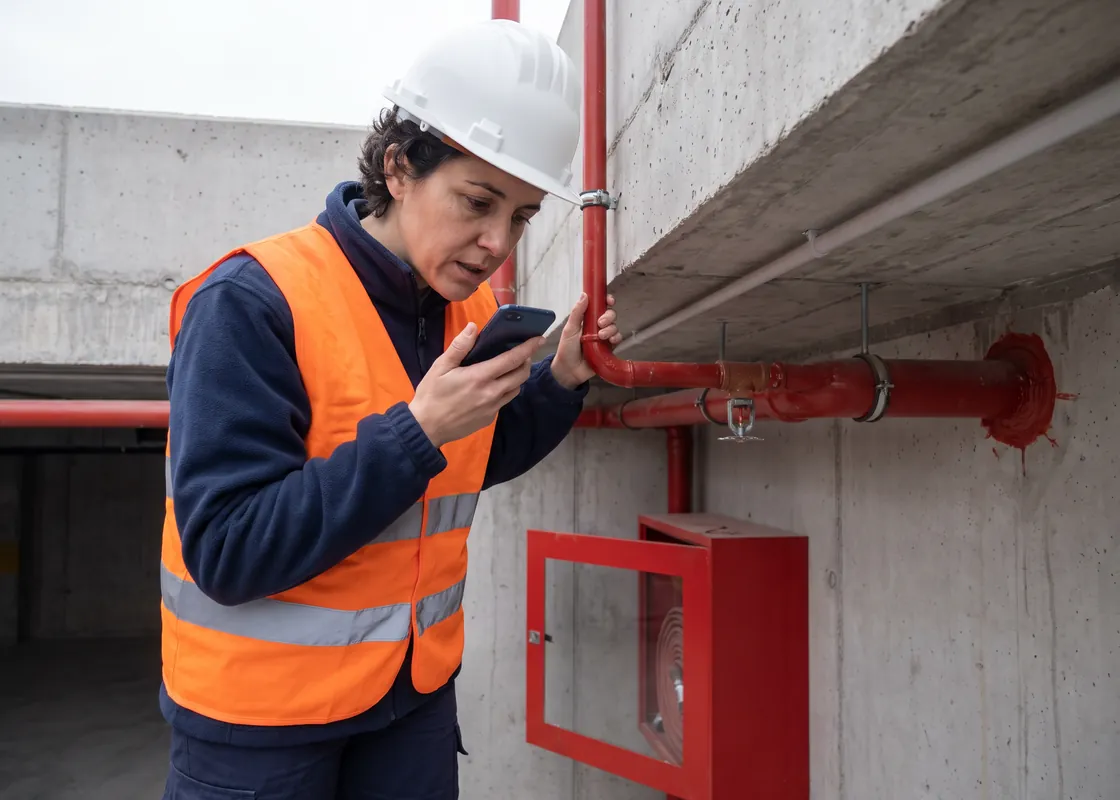
Worker photographing sprinkler pipes on an exposed ceiling with a smartphone
Fire sprinkler fitter under red sprinkler lines on an office floor, recording notes on her phone
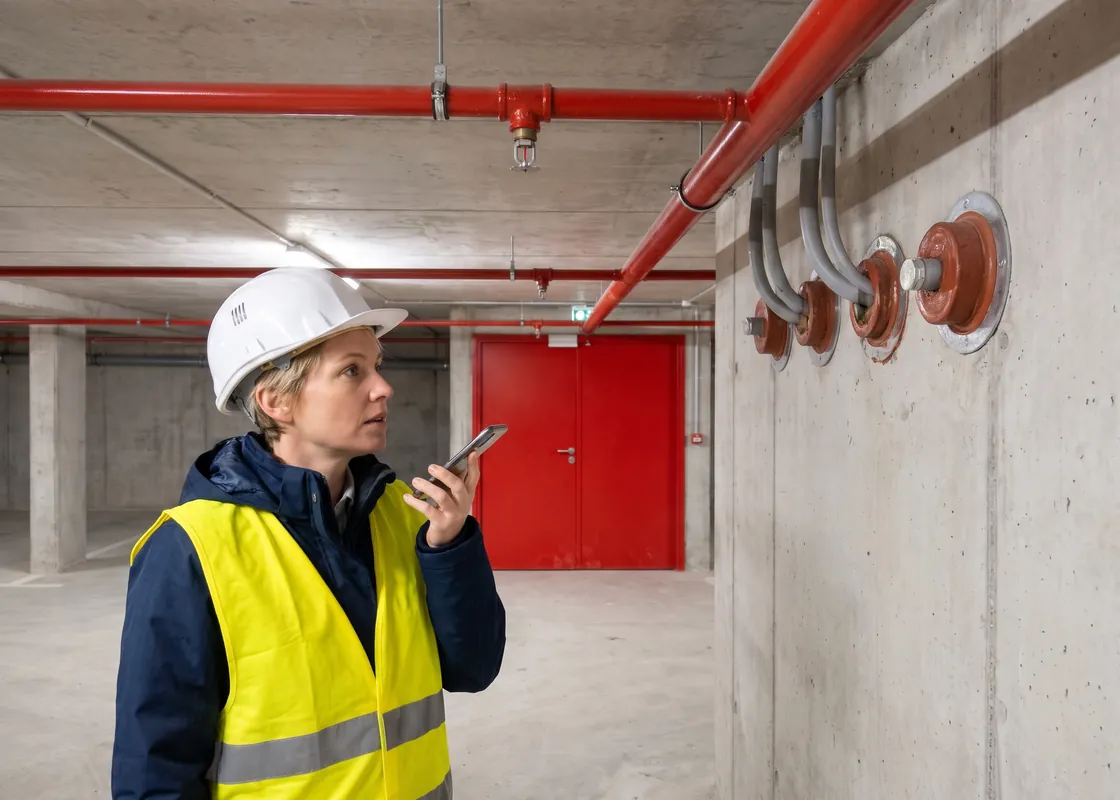
Technicienne sécurité incendie sous des canalisations de sprinklers dans un parking, qui parle dans son téléphone
Instaladora de protección contra incendios junto a tuberías de rociadores en un garaje, dictando una nota en su móvil

Fire protection

Every firestop with a photo and its spot on the plan: say what you installed. The proof for the inspection is already in the office, no extra paperwork.
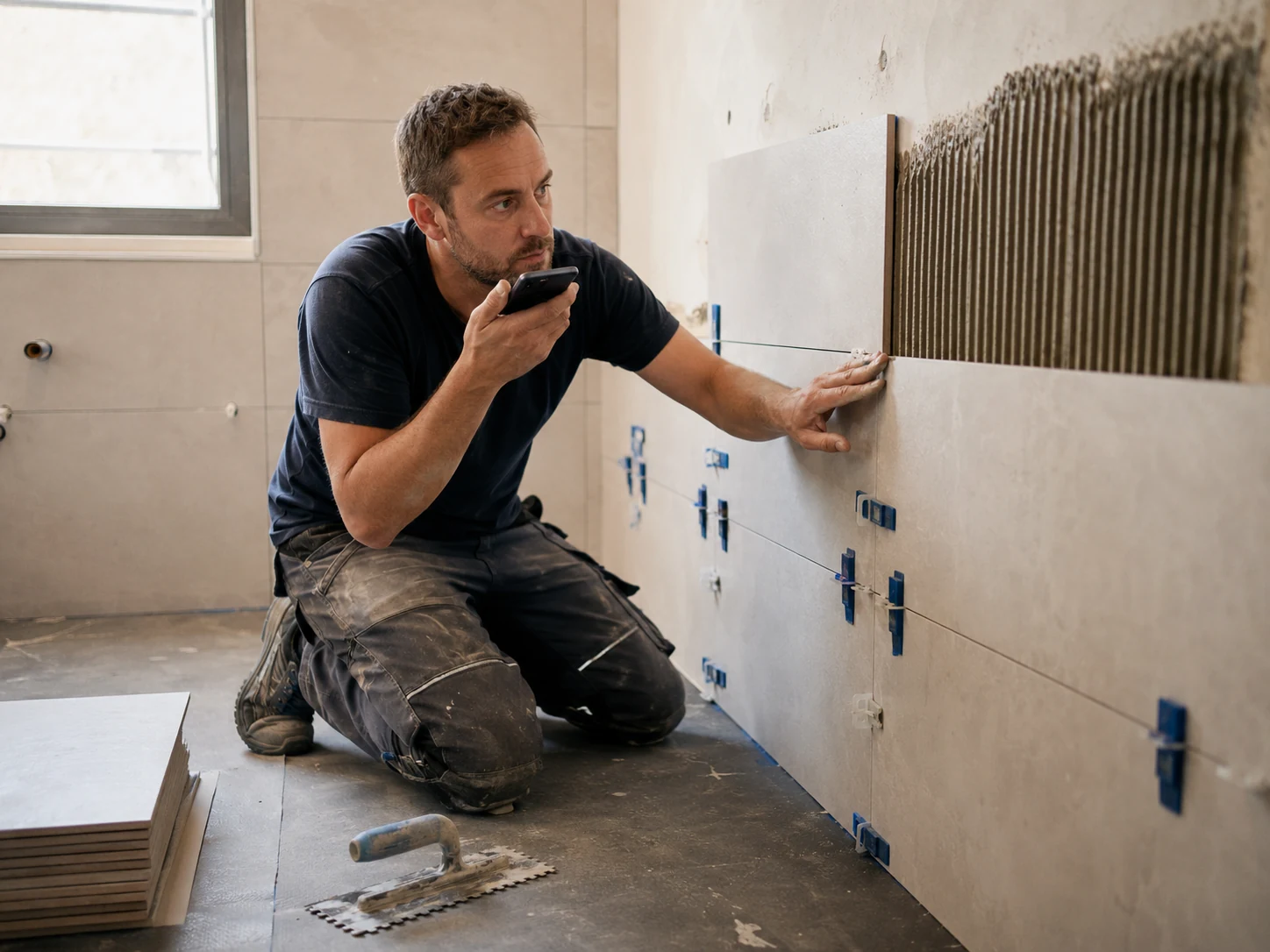
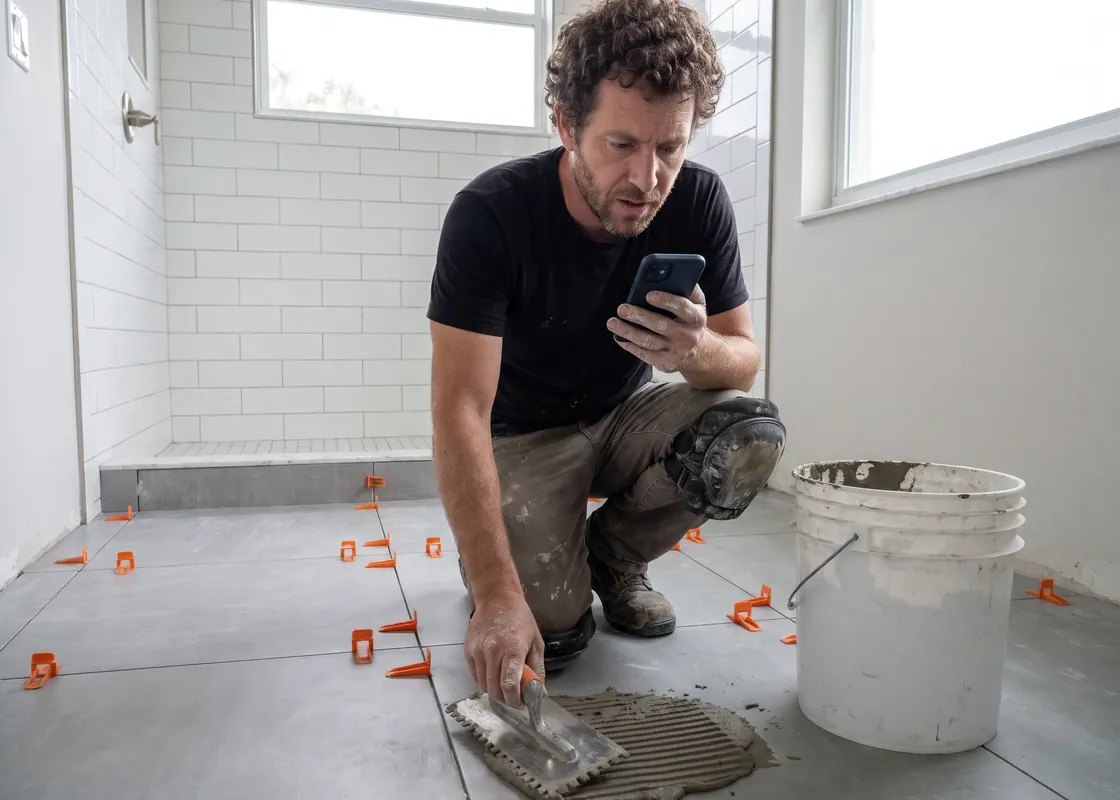
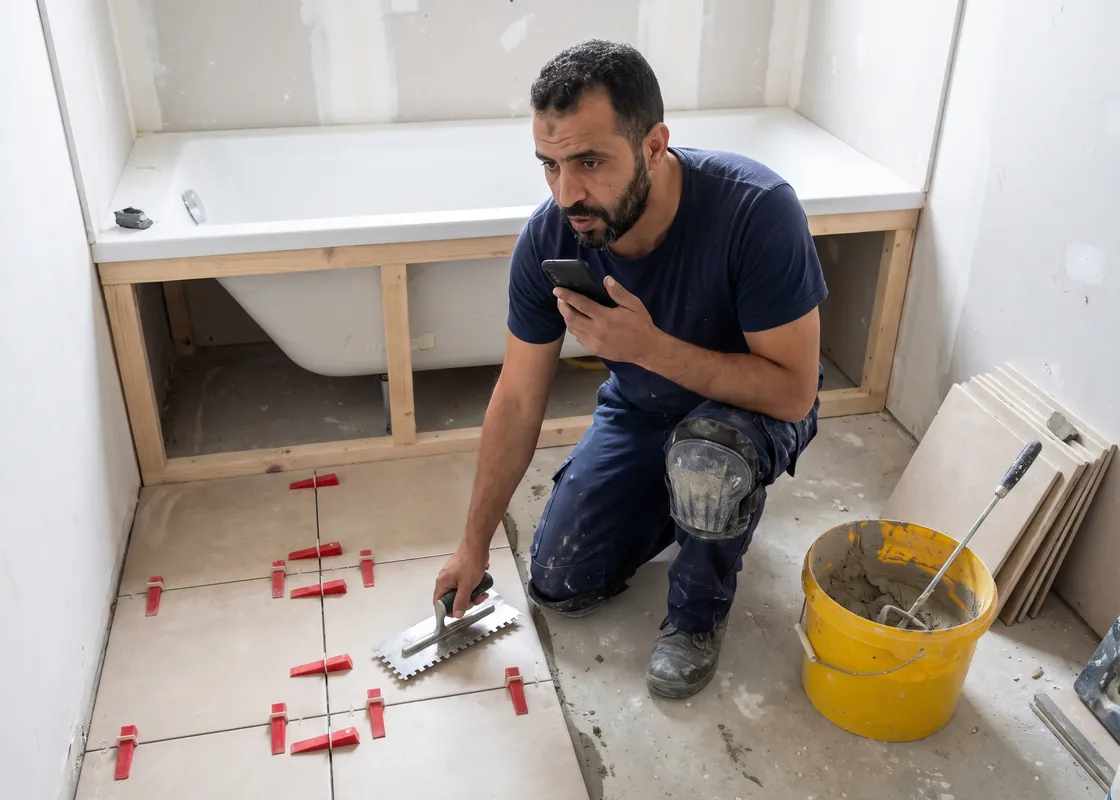
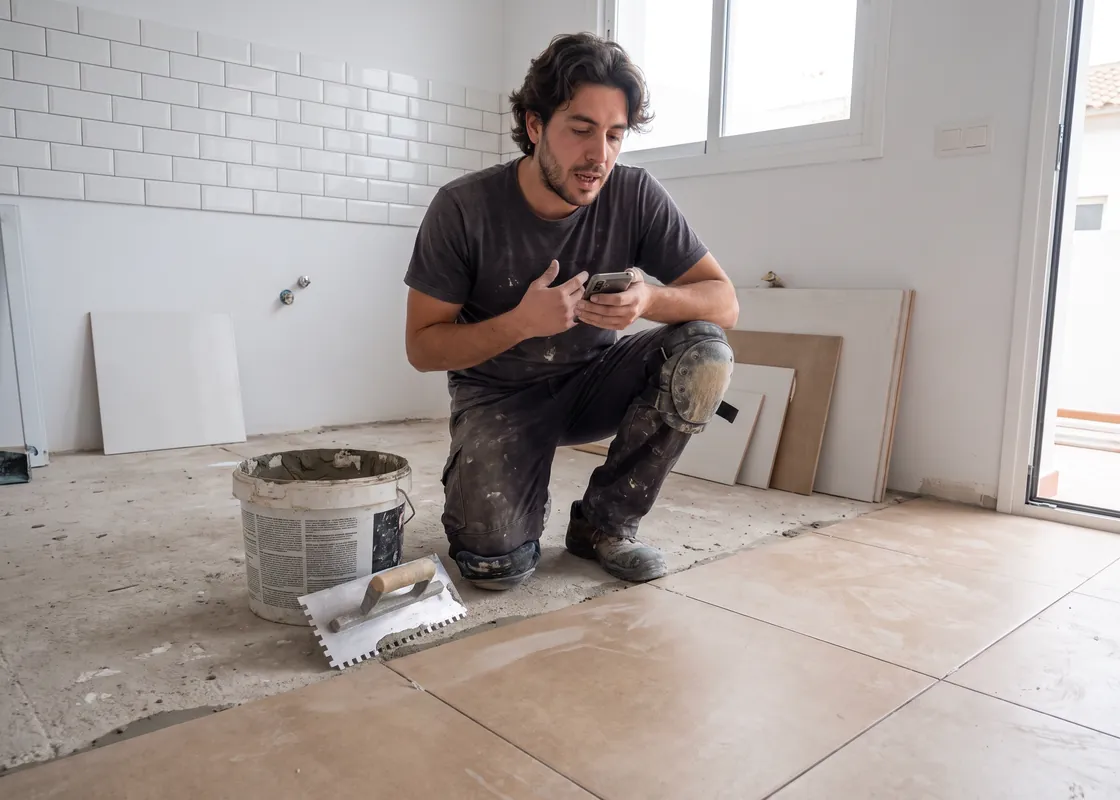
Tile setter kneeling at a wall, talking into a smartphone
Tile setter laying porcelain floor tile in a new bathroom, dictating into his phone
Carreleur qui pose un carrelage grand format dans une salle de bains, en dictant une note sur son téléphone
Alicatador colocando baldosas de porcelánico en una cocina, dictando una nota en su móvil

Tile setters

Tomorrow the waterproofing disappears under the tile. Today you record it with a photo, room by room. At the inspection, the proof is ready.

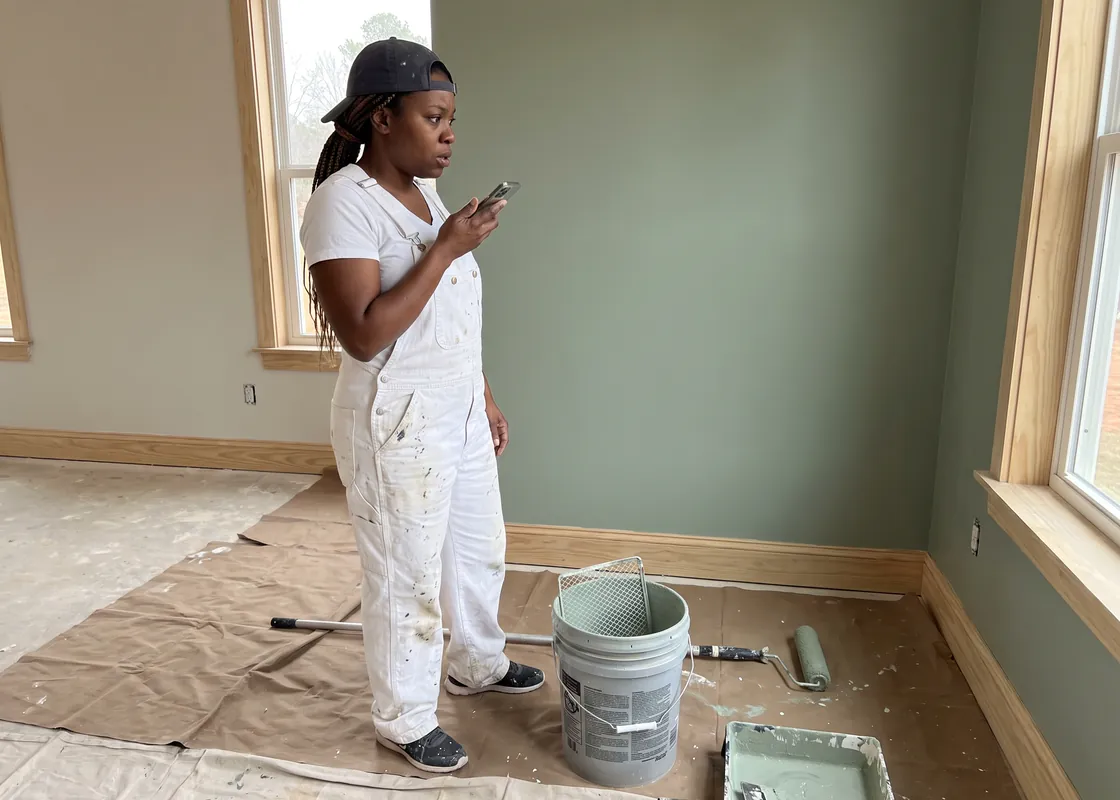
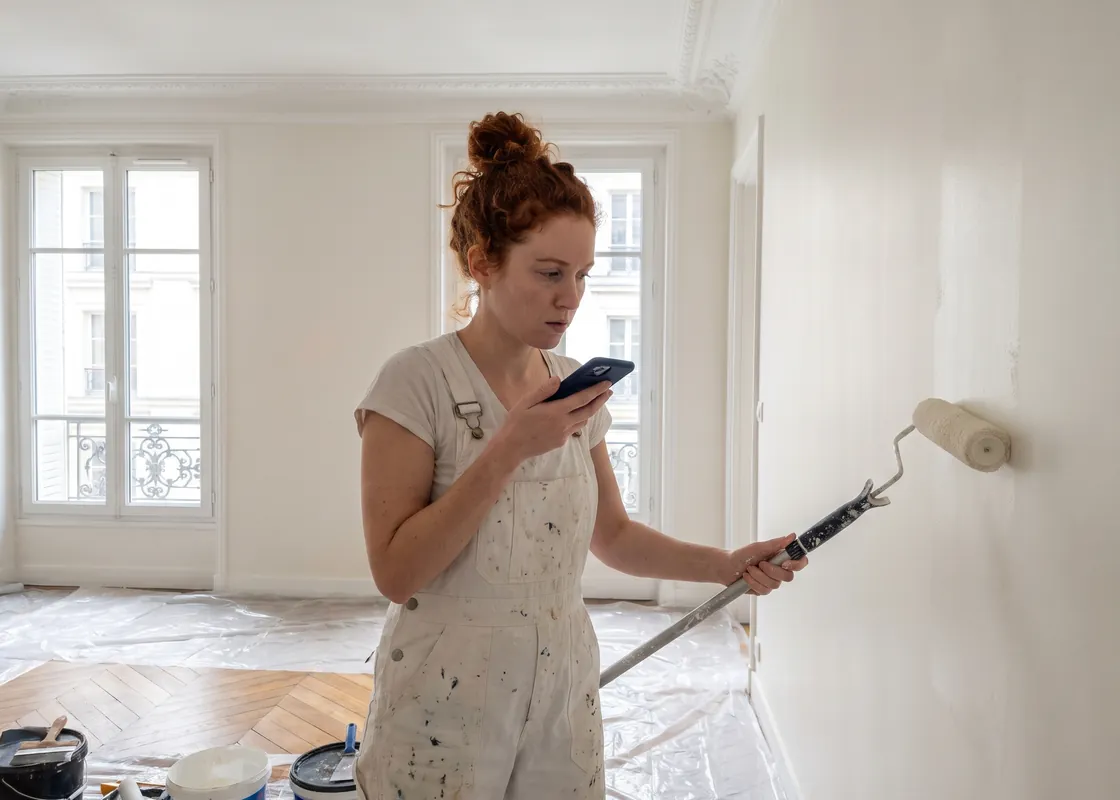
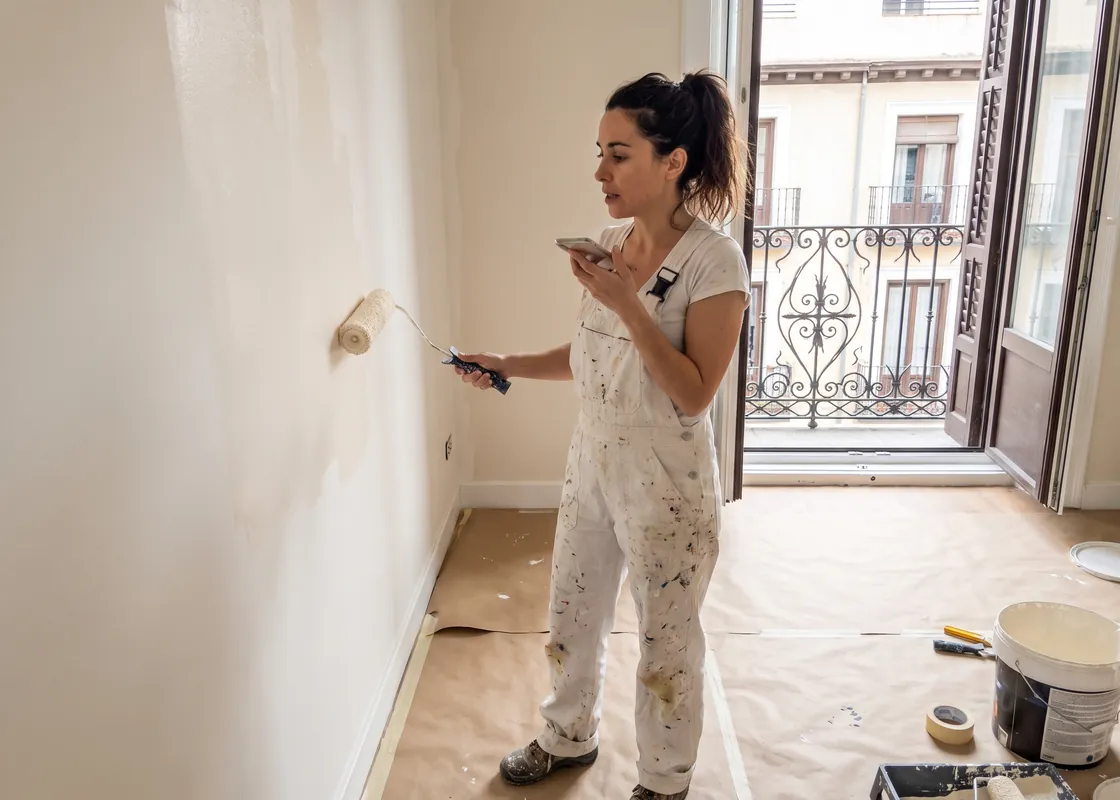
Painter rolling a wall while holding a smartphone
Painter in a freshly painted living room with drop cloths, recording a voice note on her phone
Peintre en bâtiment dans un appartement parisien rénové, qui dicte une note sur son téléphone
Pintora en un piso reformado en Madrid, rodillo en mano, dictando una nota en su móvil

Painters

Walls, reveals, extra areas: call out your measurements right in the room, pinned on the plan. Your billing is right without re-measuring.
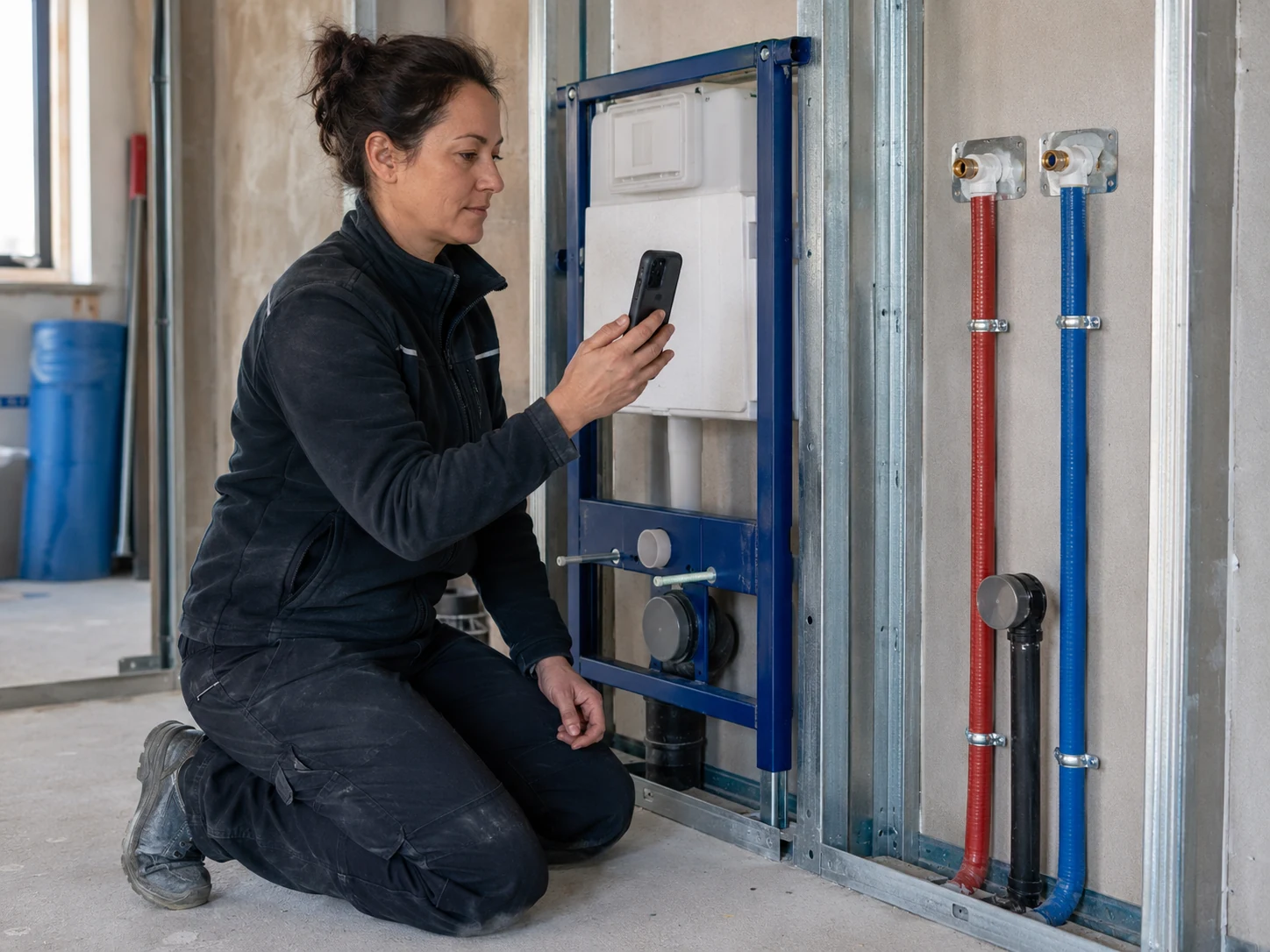
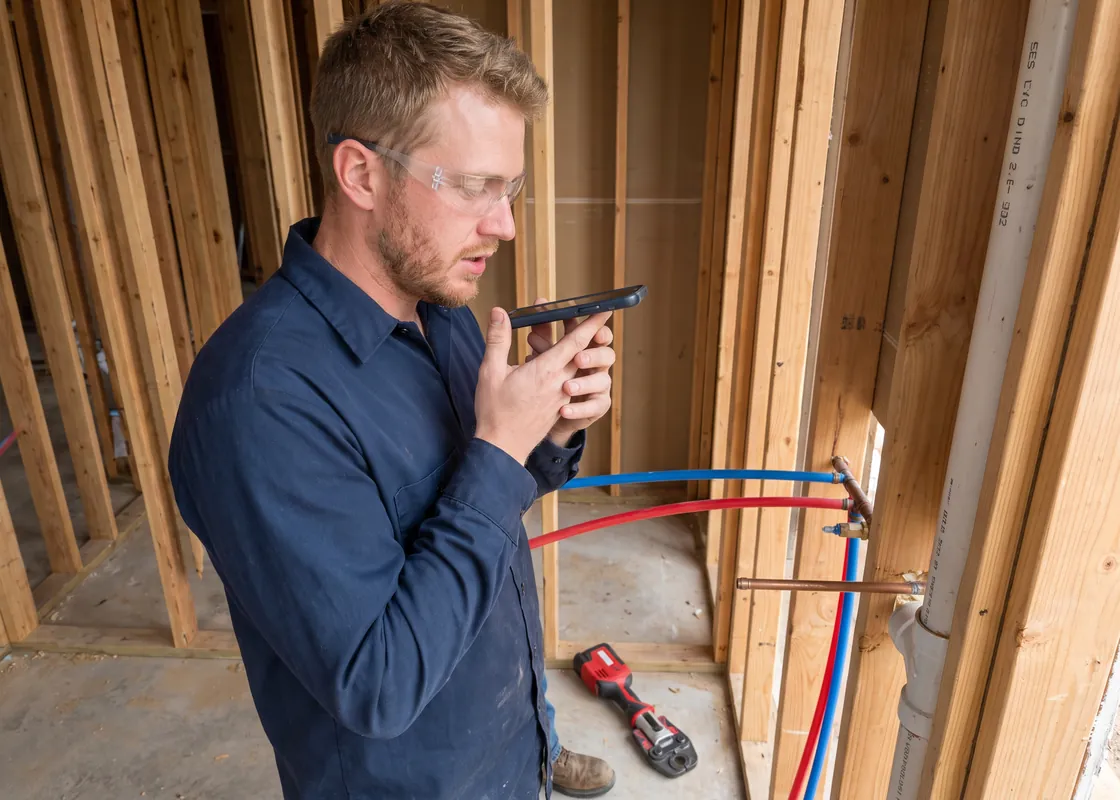
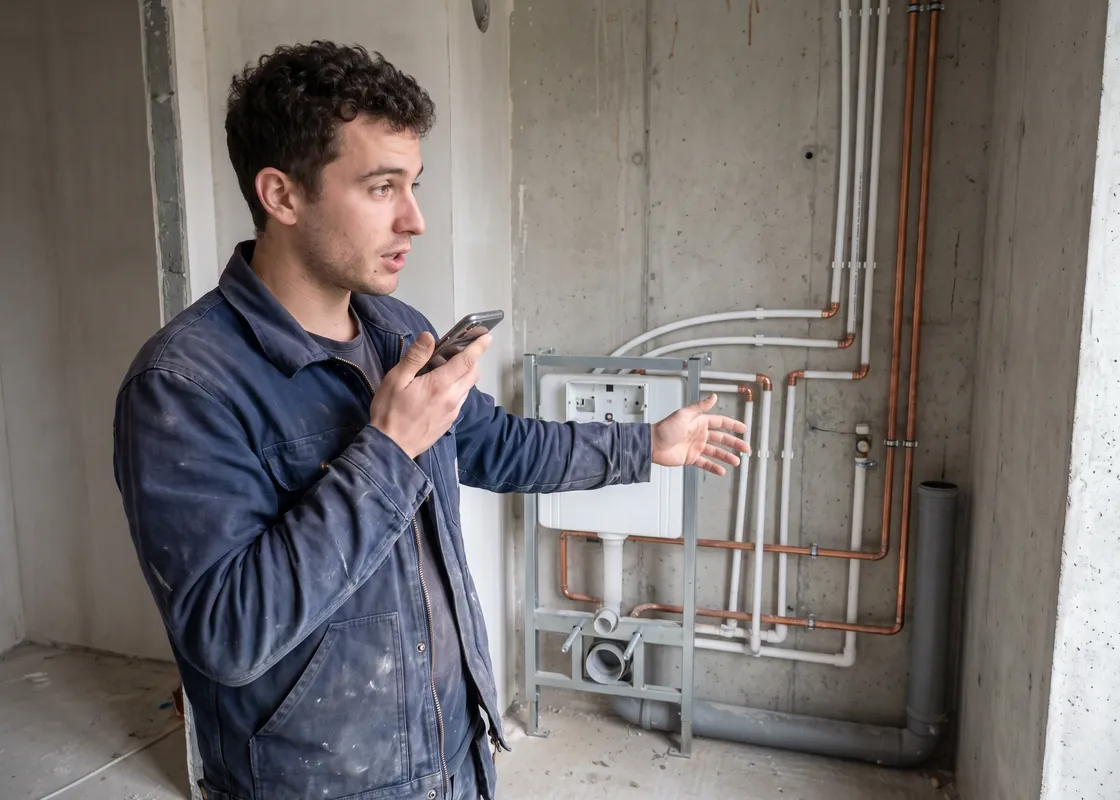
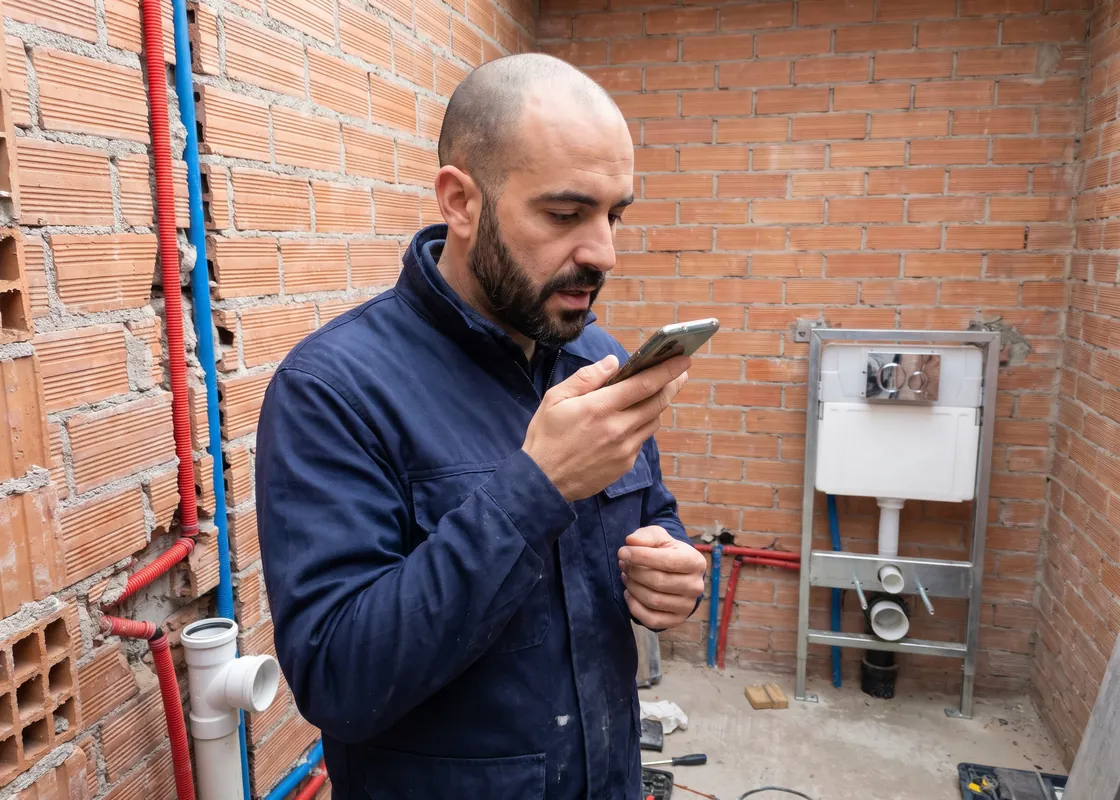
Plumber photographing an in-wall carrier with a smartphone
Plumber at a bathroom rough-in with PEX and copper lines, speaking into his phone
Plombier devant un bâti-support et des arrivées d'eau dans une salle de bains en chantier, qui parle dans son téléphone
Fontanero ante una instalación de baño en obra con tuberías multicapa, hablando a su móvil

Plumbers

Log hours, materials, and photos by voice, in your own language too. By evening the report is in the office, no notes left in the truck.
Features

Benetics AI handles the paperwork.

On site, you talk. In the office, the AI assistant pitches in. And everything lands where it's needed.
1 · On site

Document by voice

Talk, done. In 100+ languages and any accent.

  • Daily report, inspection report, punch list item, or task
  • Photos land in the right spot on the plan
  • Get reports signed right on the phone
More on voice documentation
Tap the mic, talk, and the T&M ticket fills in with work, hours, materials, and a photo
Toucher le micro, dicter : le rapport se remplit avec les travaux, les heures, le matériel et une photo
Tocar el micrófono y dictar: el informe se rellena con trabajo, horas, material y foto
2 · In the office

AI assistant

Ben, our AI assistant, handles the busywork.

  • Pin tasks from the specs right on the plan
  • Check the specs against the plans
  • Answer questions about rooms, areas, and open items
  • Sum up reports for the owner
  • Analyze T&M work

And a lot more.

Meet Ben
Long-press the plan, choose a task, and the plumbing task with photo and checklist sits as a pin on the plan
Appui long sur le plan, choisir Tâche : la tâche de plomberie avec photo et checklist apparaît en épingle sur le plan
Pulsación larga en el plano, elegir tarea: la tarea de fontanería con foto y lista de comprobación queda como pin en el plano
3 · Between systems

Integrations

Your data doesn't get stuck in a silo.

  • Subs get their tasks by link
  • Integrations with lots of systems, from accounting to field service and property software
  • Open REST API for any use, including through Zapier and Make
Benetics AI in the center, connected to jobsite and property software, including Outlook, Microsoft 365, Zapier, and Make
Benetics AI in the center, connected to jobsite software (Procore, ServiceTitan, Outlook, Jobber, Microsoft 365, Housecall Pro, Make, QuickBooks, Zapier) and building software (AppFolio, Yardi, UpKeep, Buildium, ServiceChannel, Entrata, RealPage, MaintainX)
Benetics AI au centre, connecté aux logiciels de chantier (Outlook, Microsoft 365, Make, Zapier) et de bâtiment (Septeo, Vilogi, Planon, Crypto, Archibus, Powimo, Aareon, CARL Software)
Benetics AI en el centro, conectado con el software de obra (Outlook, Microsoft 365, Make, Zapier) y de edificios (Inmovilla, Witei, Archibus, Rentger, Spacewell, Homming, Fracttal, Planon)
See every feature

No time to try it yourself?

In a 30-minute video call, Antonio shows you how Benetics AI takes jobsite and building documentation off your plate and your team's.
See it live. 30 minutes.
A man with a phone

No time to try it yourself?

In 30 minutes on a video call, Jason shows you how Benetics AI takes the documentation work off you and your crew.
See it live. 30 minutes.
A man with a phone

News and tips for the jobsite and the building

Real reports from the field, from construction to operations. From us and from others.
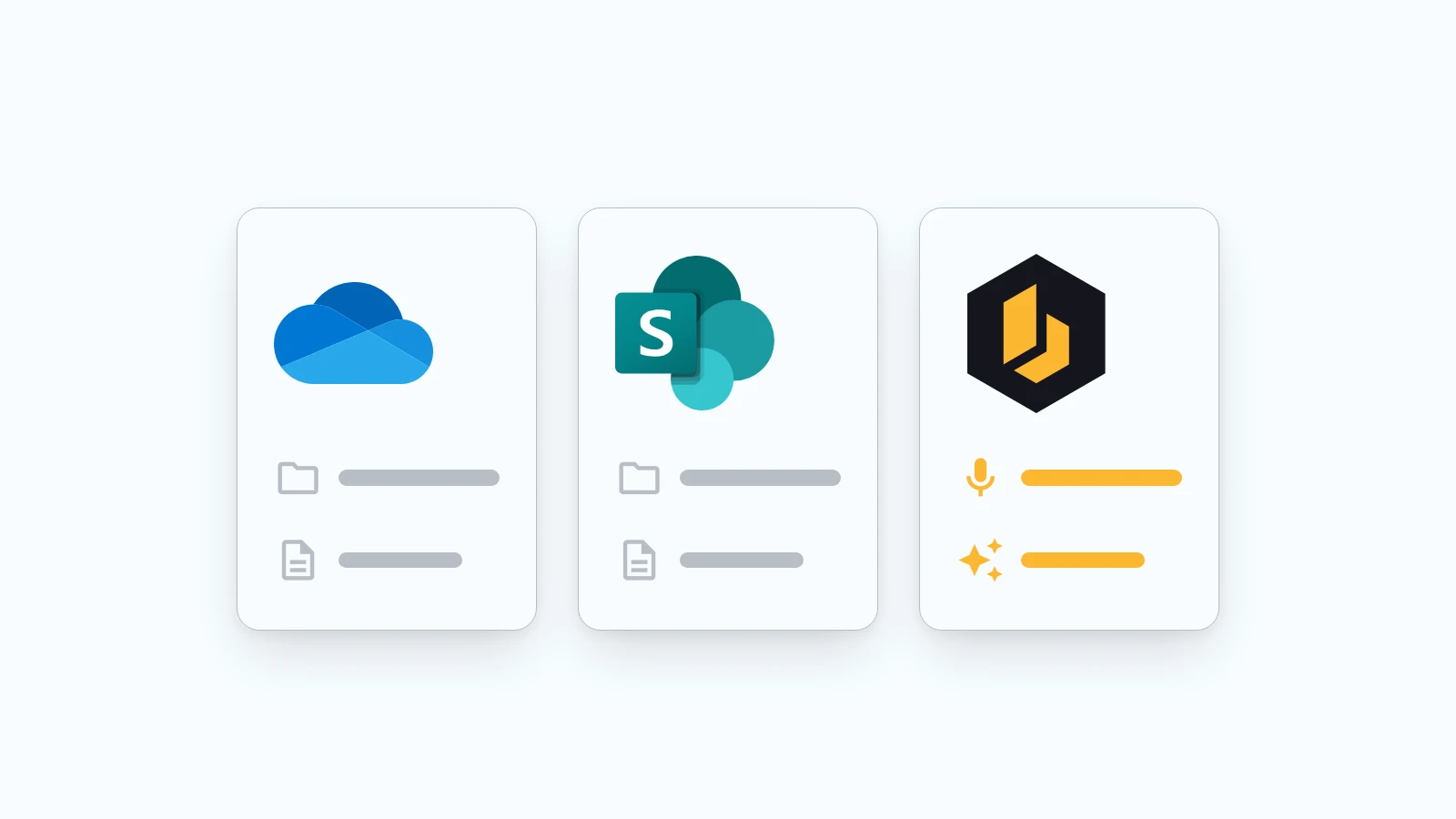
Three tiles side by side: OneDrive and SharePoint with folders and documents, next to Benetics AI with a microphone and an AI icon
Product

SharePoint, OneDrive, and Benetics AI: Why another app?

Plenty of contractors and construction companies already run on Microsoft 365. Documents live in SharePoint and OneDrive, email runs through Outlook, and in the office it all works fine. So when they hear about Benetics AI, the question is almost always the same: "Don't we already have that?"
5
October
2026

Elektro Waser AG logo over a technician installing solar panels on a roof, with a lake and mountains in the background
Success Stories

Elektro Waser AG x Benetics AI: Good Documentation Starts on Site

For over 60 years, Elektro Waser AG has stood for electrical installations in Central Switzerland. Around 20 employees are out on a wide variety of construction sites every day – supported by Benetics AI.
23
July
2026
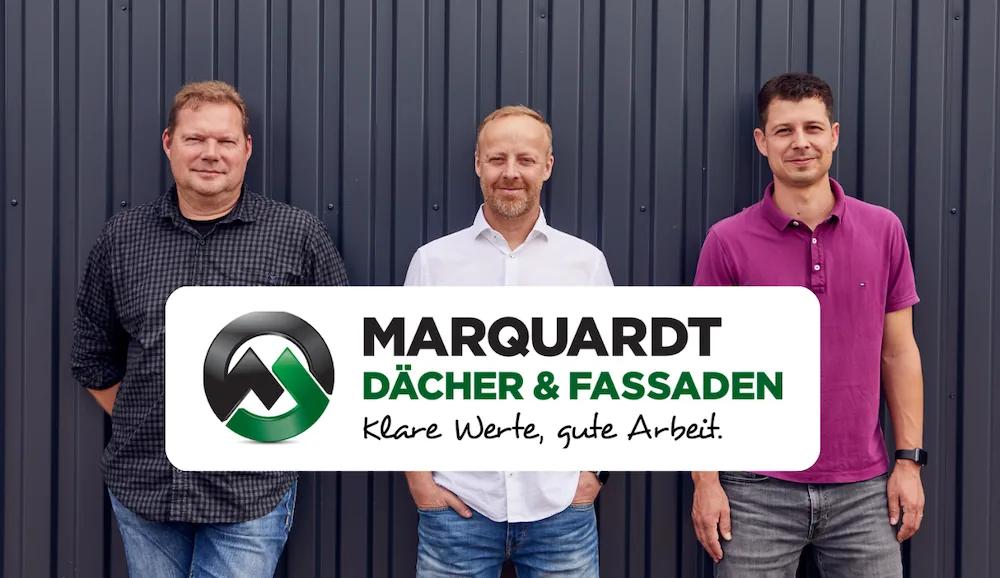
The Marquardt Roofing team with Managing Director Klaus Marquardt
Success Stories

“Everyone Should Get Paid for the Work They Do” – How Marquardt Roofing Makes Every Job Visible

How Marquardt Roofing creates daily reports and work records by voice. With Benetics AI, jobsite documentation is simple and complete.
23
June
2026

Frequently asked questions.

Answers to the most common questions. There's more in our Help Center.

Starter is free, for one person. Pro is $25 per user per month billed annually; monthly billing options are listed on our pricing page. Every feature is included, no add-on modules, no setup fee. Try Pro free for one week. For teams of 200+, we tailor it to your workflows.

Data from customers in Switzerland and the EU sits on servers in Switzerland and the EU, mostly with AWS in Frankfurt. We work to GDPR requirements. For processing speech and documents we work with OpenAI and Google Vertex AI. Our privacy notice spells out exactly what happens.

Your phone, tablet, and computer. The app runs on iPhone and Android, and the web app covers everything that happens at the office desk. What gets said on the jobsite shows up in the office right away.

The trades that do the work: electrical, plumbing, and HVAC first, plus drywall, masonry and concrete, carpentry, metalwork, roofing, tiling, and painting. 500+ companies build with it, from small trade shops to general contractors.

Yes. On walkthroughs, you call out defects, damage, and tasks with a photo and the spot on the plan, and send them straight to the contractor. Benetics AI doesn't replace your CAFM or CMMS. It handles what happens on site. More on facility and property management

It recovers time and money that slip away today. One project manager used to spend over an hour writing the daily report at the office computer. Now it takes five minutes, out on the jobsite. Extra work gets recorded the day it happens, so the change order has its backup, and invoices go out 3 to 5 days sooner.

Benetics AI is the app trade contractors use to document the jobsite by voice. Your crew talks: a daily report, a problem, extra work, a punch list item. Benetics AI turns it into a finished record. Plans, tasks, and reports live in the same project, so the jobsite and the office are on the same page.

Yes. Benetics AI pricing is simple and transparent. Pro ($25 per user per month) includes every feature: no add-on modules, no setup fee.

Project software is built for the GC's office. Benetics AI is built for your crew. Nobody has to learn anything they can't already do: talk. Your crew records problems, observations, and extra work by voice, and the office gets a finished report. Whether that respects the crew isn't up to our website. It's up to who's still using the app three weeks in.

Install the app, scan the QR code, done. No training needed. One team was working with it after 30 minutes. Your crew can talk in their own language: a report spoken in Spanish arrives in English, and 100+ languages work the same way.

Yes. Benetics AI connects with ServiceTitan, Jobber, Housecall Pro, and QuickBooks, and with other tools through our open REST API and ready-made connectors for Make.com and Zapier. What your crew records on the jobsite goes where your office needs it.

Yes. Most software makes office work easier. Benetics AI is built for the jobsite and the building, for everything captured on site, so the office and the field work better together. That's why we connect to these tools instead of replacing them: reports, hours, and tasks go straight into your software.

Yes. Your crew, your subs, and the GC's superintendent can work in the same project, and everyone sees the current plans and their own tasks. Outside partners join one project free. Admins see every external member with their license status.

You almost certainly have everything already. Benetics AI runs on the usual systems: as a mobile app (iOS and Android) and on the desktop in the browser.