SharePoint, OneDrive, and Benetics AI: Why another app?
Plenty of contractors and construction companies already run on Microsoft 365. Documents live in SharePoint and OneDrive, email runs through Outlook, and in the office it all works fine. So when they hear about Benetics AI, the question is almost always the same: "Don't we already have that?"
The short answer is no. SharePoint, OneDrive, and Benetics AI solve different problems. Put the three side by side and it's quickly clear why they work well together, and why none of them makes the others redundant.
OneDrive is storage for one person
In OneDrive, every employee gets a space for their own files. When a coworker needs something, you share it. That works for a single desk, but OneDrive isn't built for a whole team working on the same content. The file belongs to whoever created it, and when that person is on vacation or leaves the company, the search begins.
SharePoint is shared storage for the office
SharePoint goes a step further. It holds what the company as a whole needs: project plans, contracts, estimates, and internal templates, all with clear access rights. For the back office that's a solid foundation, and Benetics AI doesn't change it. Contracts and estimates are in good hands in SharePoint.
Both manage files, and the jobsite needs more than files
And that's the problem. SharePoint and OneDrive are file systems. They store documents and make them easy to find. But what happens on the jobsite is rarely a document yet. Usually it only becomes one when someone sits at the office PC in the evening and builds a report out of notes and photos.
It starts with the plans. The current version is in SharePoint, while an older printout is often still pinned up on the jobsite. Checking on a phone means opening a PDF, zooming in, and hunting for the room, and even then you can't put a task on it or mark a defect.
Then there's signal. Down in the basement of a new build, there often isn't any. You can make individual files available offline in OneDrive, but then all you have is a file on your phone and nowhere to record what's happening right now.
SharePoint has no structure for hours, materials, or the daily report. Some companies build their own lists or forms for that, and many still end up back on paper notes, text messages, and Excel.
And nothing automatically links what the superintendent records on the jobsite to what accounting bills at the end of the month. Someone sits in between, retyping and making follow-up calls until the numbers more or less add up. What gets lost along the way are hours that were worked and never billed.
Benetics AI brings the work from the jobsite to the office
Benetics AI is the app for the jobsite, built for this gap. The current plan is on your phone, and each task sits on the spot in the plan where the work needs doing, with photos, a checklist, and a due date. Whoever is on the jobsite sees what to do and exactly where.
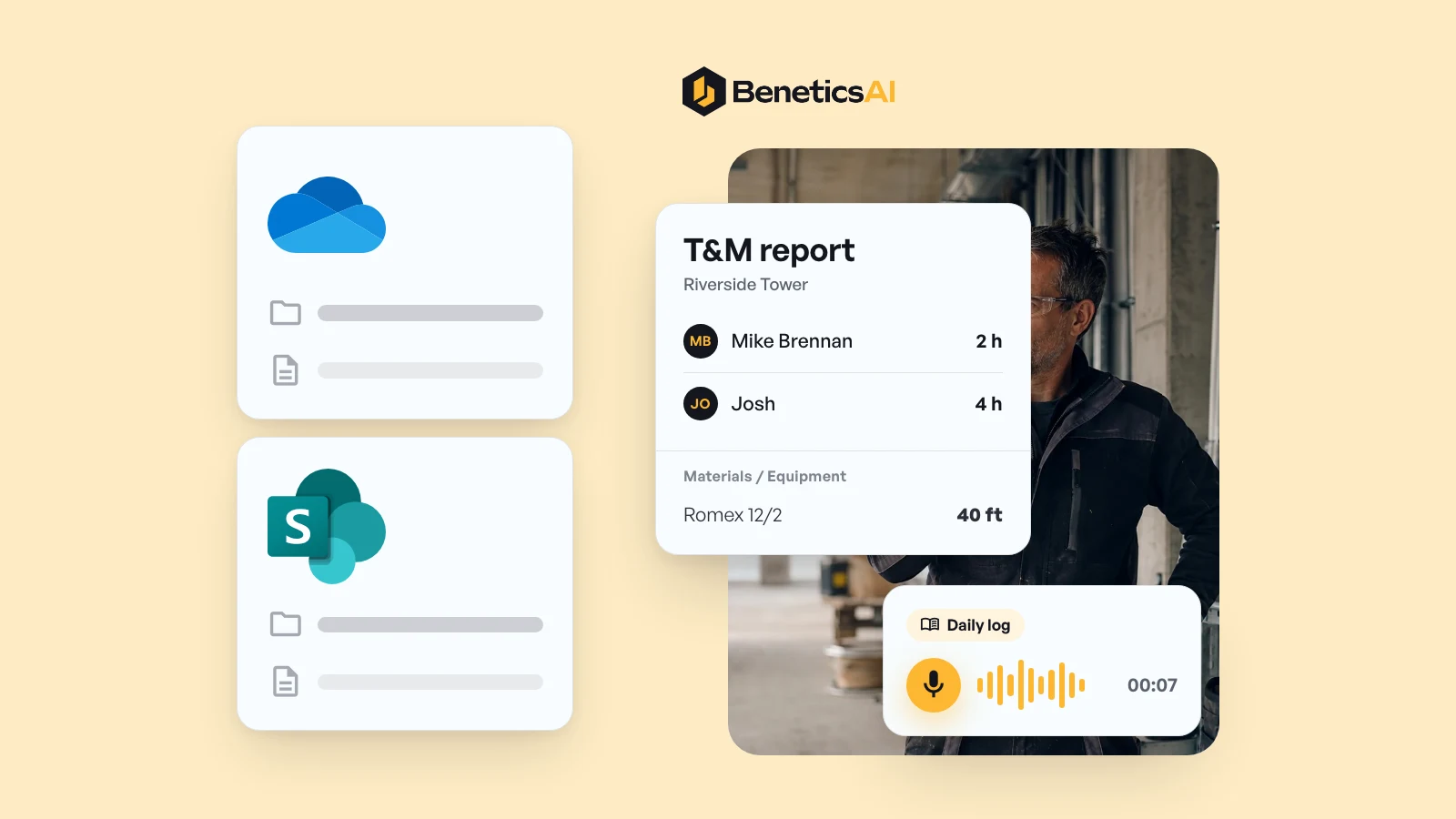
Field reports, timesheets, T&M reports, and daily reports are done by voice. You talk into your phone, and it becomes a structured report. A T&M report that used to take eleven minutes to write now takes one.
Remo Schweizer, a superintendent at Rhyner Baumanagement, used to write his daily log at the office PC. It took him over an hour, with constant interruptions. Today he records it by voice right on the jobsite and is done in five minutes at most.
When there's no signal
The downloaded plan works without signal. You type tasks and reports on it, and they land in the project as soon as your phone is back online. Voice input needs an internet connection, so in a dead zone you type.
So nothing billable gets left behind
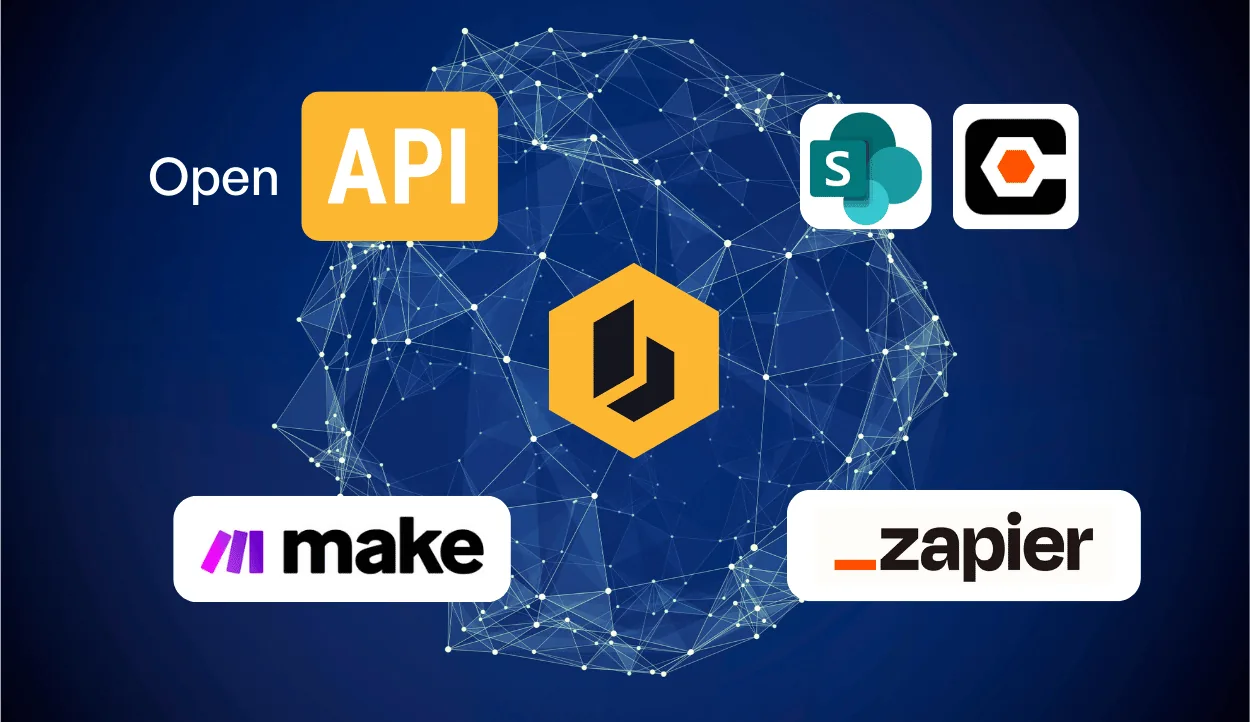
Hours and materials go into the T&M report right where they happen. Formula fields calculate subtotals and totals as you go, so the office gets what can actually be billed. Benetics AI connects with ServiceTitan, Jobber, Housecall Pro, and QuickBooks. For everything else, there are connectors for Make.com and Zapier, plus an open API.
"Thanks to Benetics, my phone rings a lot less. Our whole team works around ten percent more efficiently, which has an immediate positive effect on the margin."
Stefano Jud, Project Manager, JADA Isolierungen Brandschutz GmbH (translated from German)
Microsoft 365 stays where it is
Bringing in Benetics AI doesn't mean changing anything in SharePoint or OneDrive. Contracts, estimates, and the office's files stay where they are today. Benetics AI adds the part of the work that happens out in the field.
Outlook even has a direct connection. If you get plans by email, you know the problem: the new plan revision is buried in an attachment to some message. The Outlook email assistant spots new plans in attachments and brings them into the project. It's included in every pricing plan at no extra cost.
EJH Construction, a construction company in Michigan, also learned that file storage alone isn't enough. Before the team came to Benetics AI, it had tried a whole range of tools, SharePoint and Dropbox among them. Today the daily reports come in every day, and nobody has to chase them.
"We were always chasing daily field reports. [...] Now they just do it."
Cori Hale, President & CEO, EJH Construction Inc, Farmington Hills, Michigan
How to tell you're missing Benetics AI
Maybe the plan in SharePoint is current and your crew is still working from the old one. Or hours are missing at the end of the month that everyone knows were worked. Either way, the gap usually sits between the jobsite and the office, and the file storage has little to do with it. Benetics AI connects the two directly, so billable work stops getting lost.
Try it for yourself. Install the app, scan the QR code, and you're set, no training needed. Benetics AI is free to try for one week.